Testing and release
Validate agents with test suites and the prompt playground, then promote versions across environments on the deployments board.
Shipping an agent is more than a good answer in chat. MASAIC separates validation (did it behave correctly?) from release (is the right version live in each environment?).
Testing in the workspace
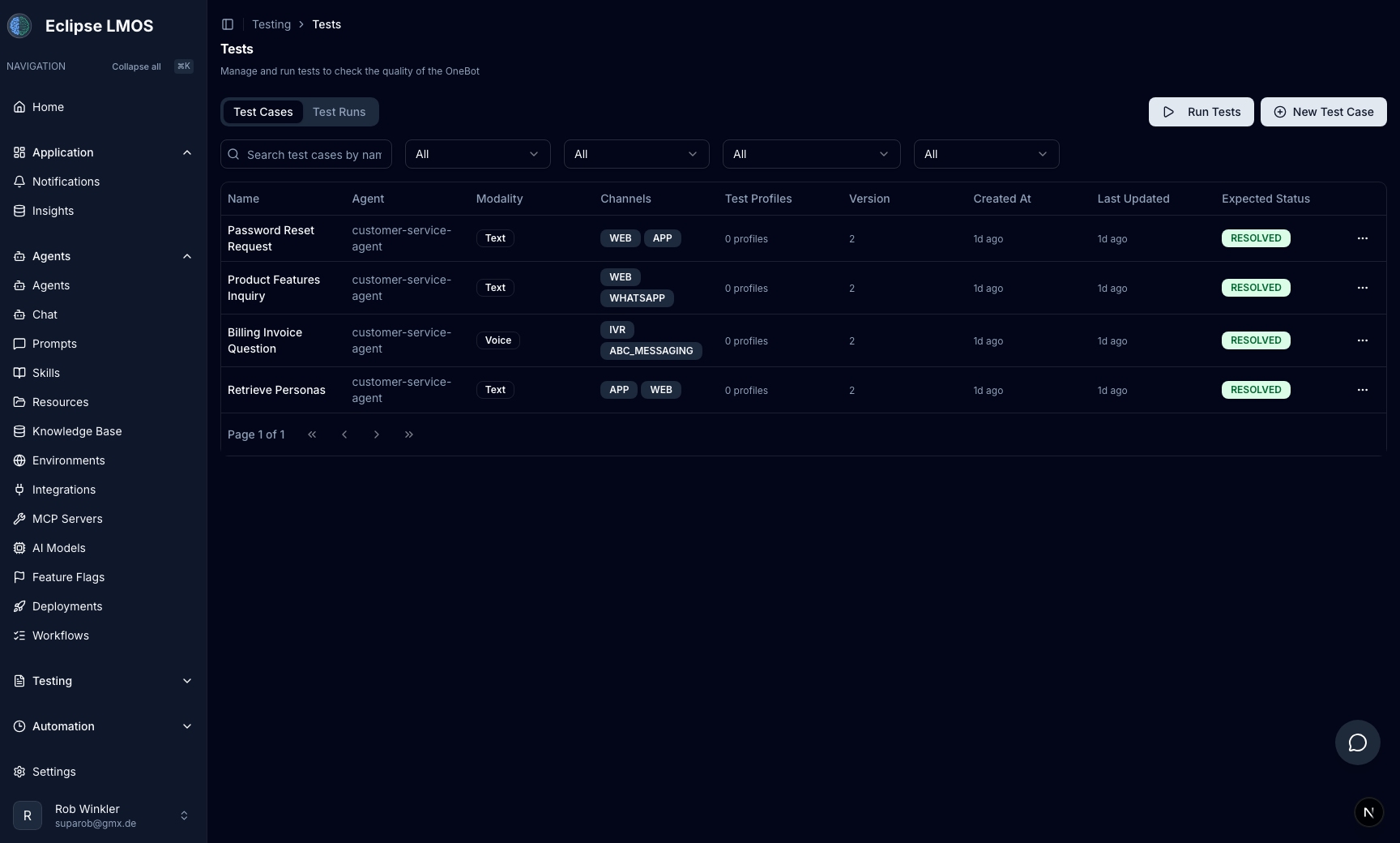
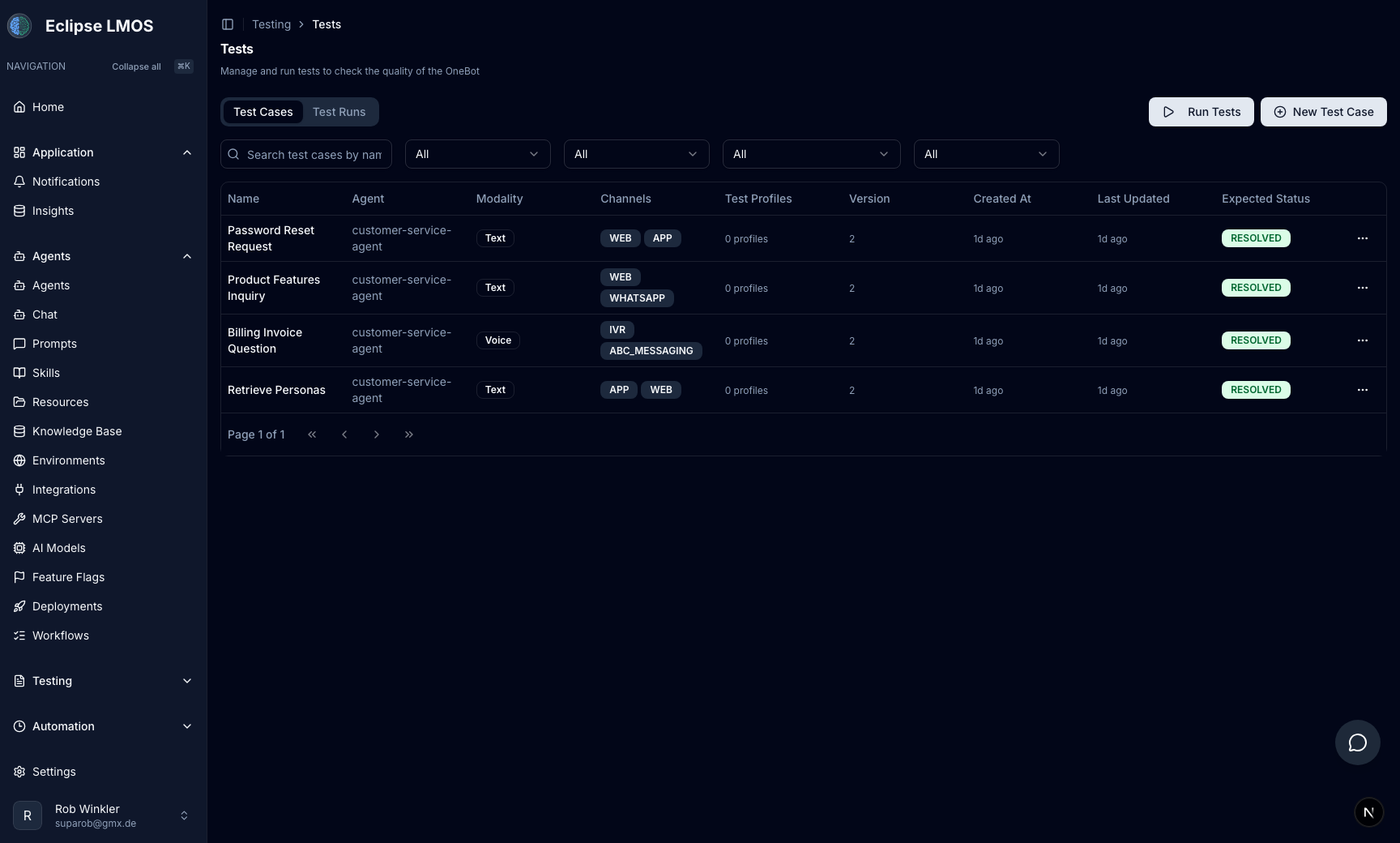
Open Testing in the sidebar for AI-native evaluation:
| Area | Purpose |
|---|---|
| Tests | Test cases and suites across web, IVR, messaging, and other channels. |
| Personas | Simulated users that drive multi-turn journeys. |
| Mock users | Repeatable identities for regression runs. |
| Data sets | Batch inputs for evaluation at scale. |
Practices that scale
- Cover happy path and edge cases your playbook defines (refusals, handoffs, tool failures).
- Run suites in staging before you promote.
- Pair automated tests with conversation review on real captured threads.
Prompt playground and diffing
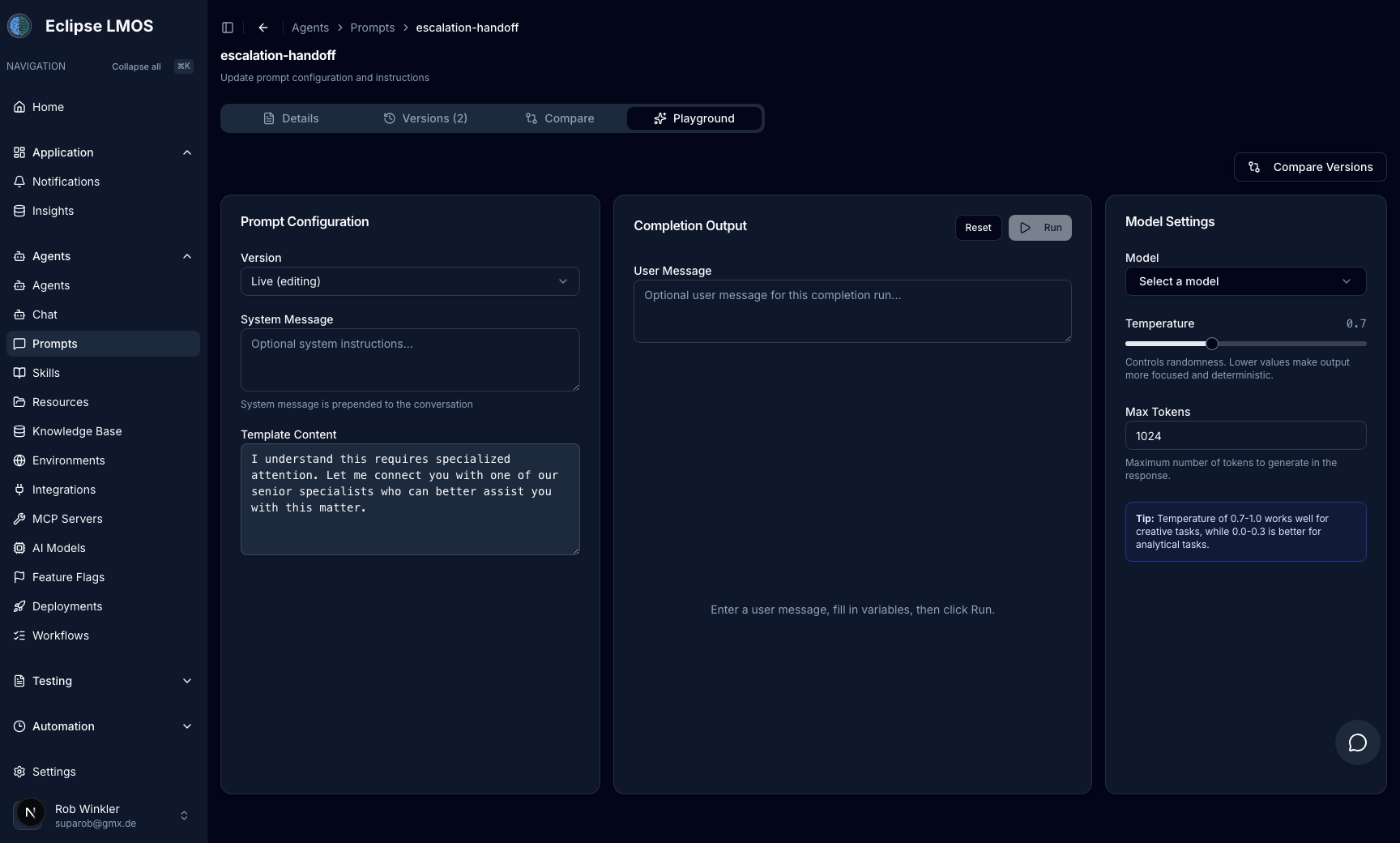
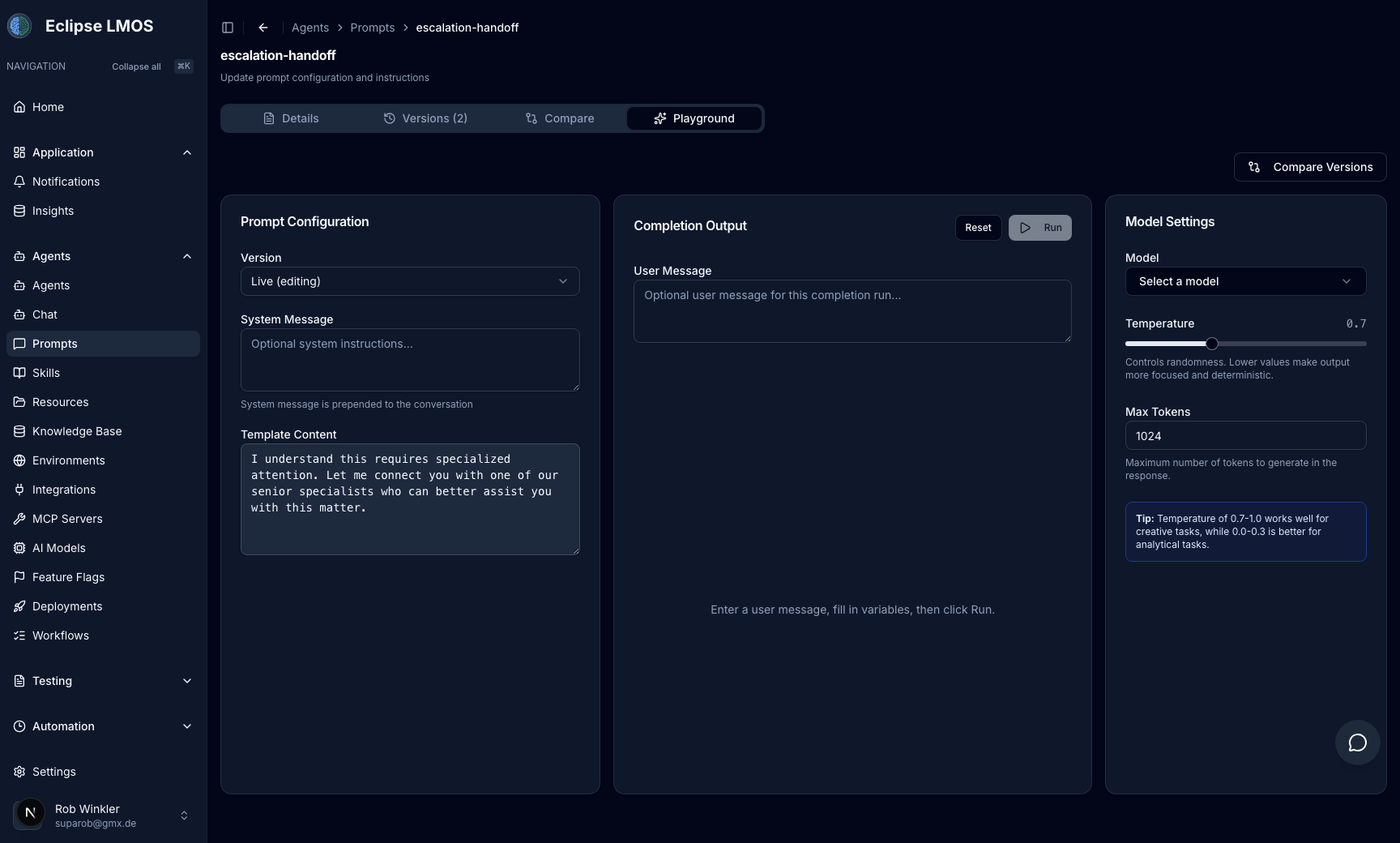
When the issue is wording or model behavior, use Prompts:
- Open a prompt and switch to the Playground tab to run test inputs against connected models.
- Use Compare to diff two prompt versions side by side before you attach a new version to an agent.
Environments
Platform & release → Environments defines the boundaries you promote across — for example dev, staging, and production.
Rules of thumb:
- Staging is for experiments, test suites, and stakeholder review.
- Production is for end users and unattended automation.
- Name prompts, MCP servers, and agent versions so the active environment is obvious.
Deployments board
Platform & release → Deployments is the promotion board: which agent (and related) versions are live in each environment.
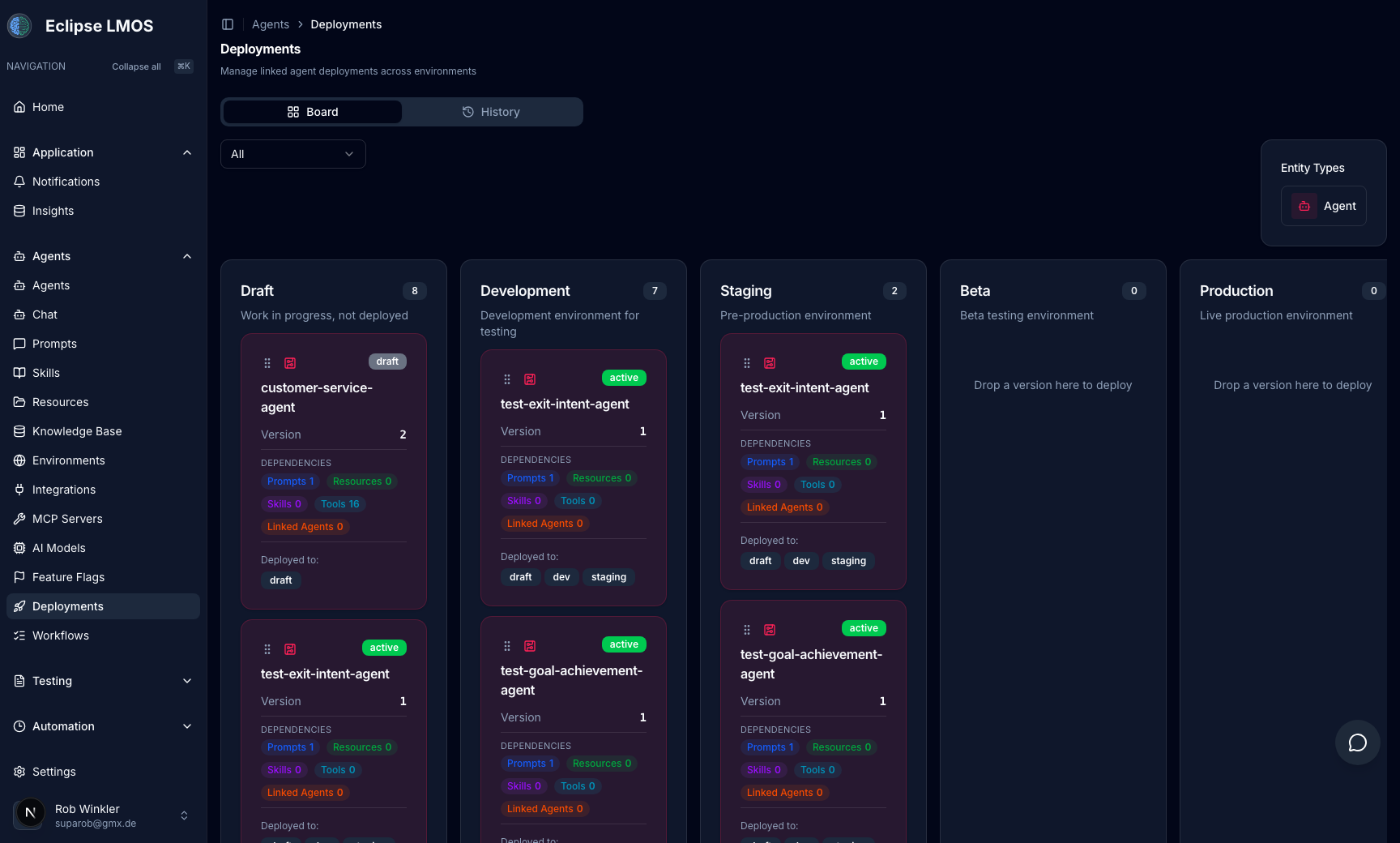
Before you promote:
- [ ] Changes validated in the Agent Playground on the target environment.
- [ ] Regression tests green in staging.
- [ ] Conversation review checked for high-risk flows when applicable.
- [ ] MCP scope reviewed for production agents.
Release checklist
See Safe rollouts for the full governance checklist. The short version: test → review → promote → monitor.
Related reading
- Conversation review — production evidence.
- Automation tasks — unattended runs use the same versions you promote.
- The masaic CLI — apply the same versions from YAML in git, or from a CI pipeline.