Agent Playground
Test agents in Chat and Voice: streaming playground, tool calls, comparison with production, and pre-ship checks.
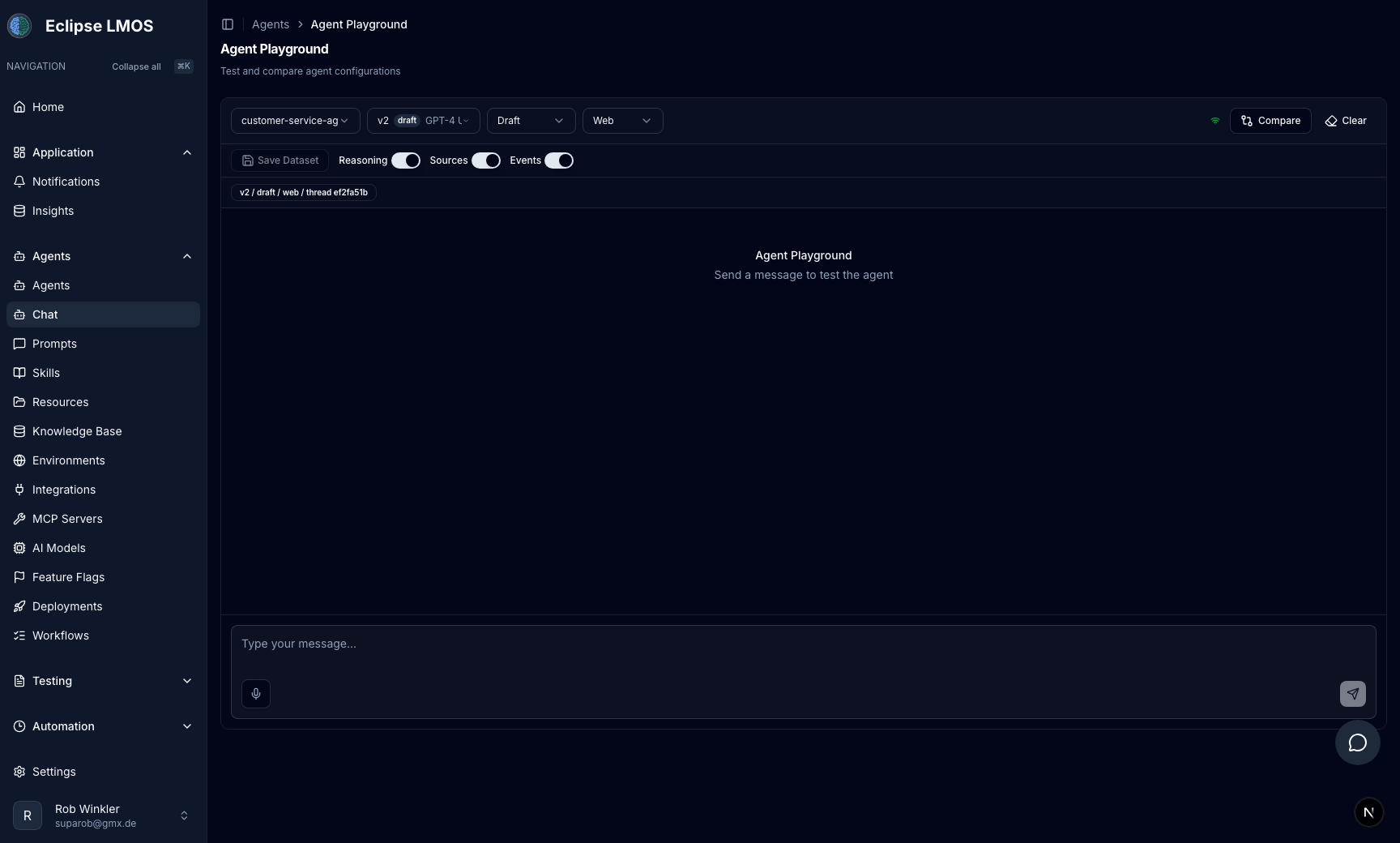
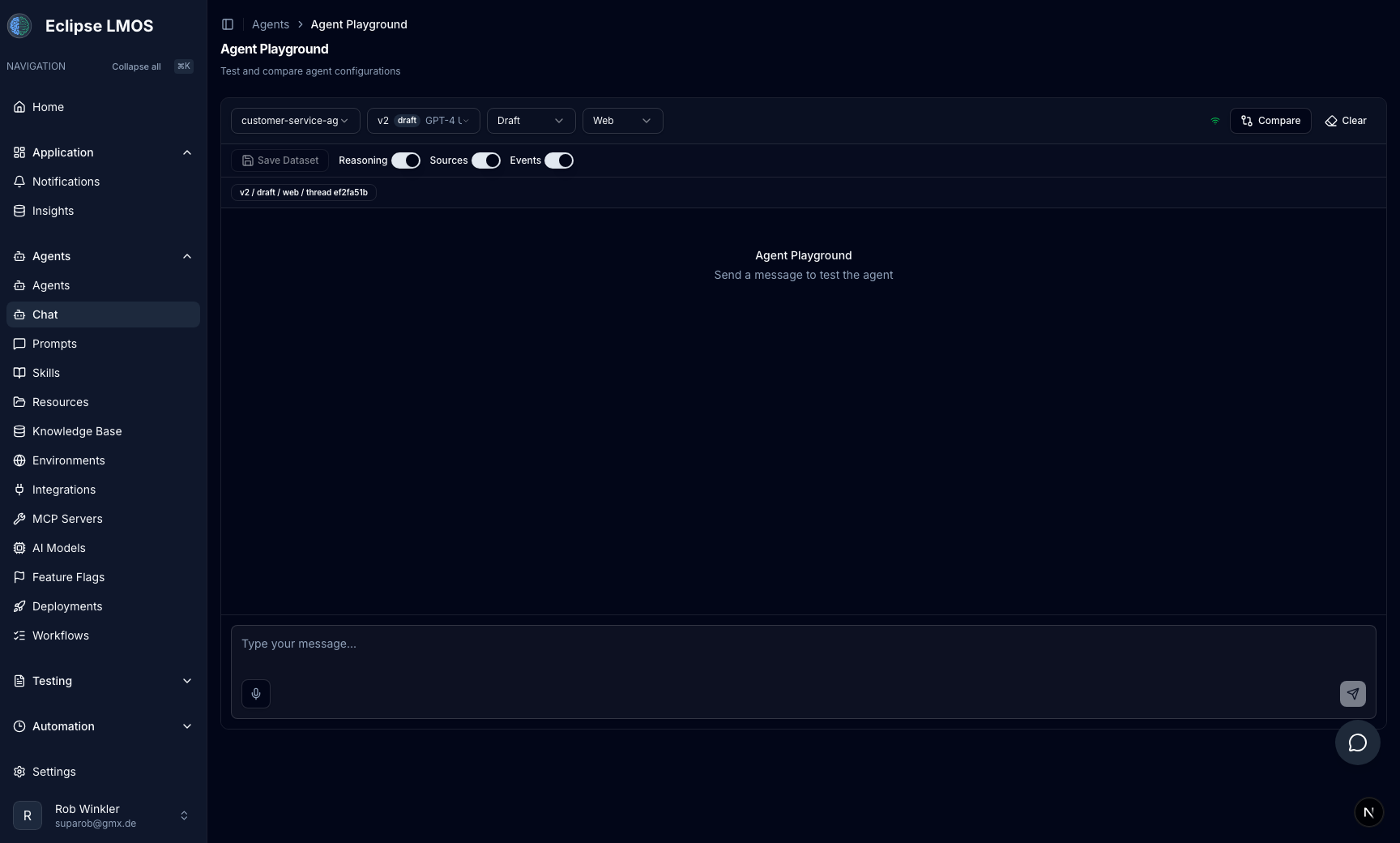
The Agent Playground is the Chat experience inside your workspace (under Agents → Agent Playground in the sidebar). It mirrors what end users get — streaming replies, tool calls when enabled — without deploying a separate client.
Use the workspace chat sidebar (toggle on supported routes) to ask questions about the page you are on while you operate.
Open the playground
- Enter a team project from Home → Projects.
- Choose Agents → Agent Playground in the sidebar.
- Select agent and environment (prefer staging until you mean to hit production config).
Suggested testing loop
- Send a realistic user message (same phrasing customers use).
- Read the answer for factual alignment — if wrong, update resources or prompts, not only the thread.
- If the model should act (ticket, lookup, update), confirm a tool ran; if not, check MCP scope for that agent.
- Repeat with edge cases your playbook defines (refusals, handoffs, errors).
- After playground checks, run test suites and review captured conversations before production promotion.
Text vs voice
| Chat (text) | Voice | |
|---|---|---|
| Best for | Fast iteration, copy-paste cases, tool debugging | Spoken flows, latency, pronunciation |
| Access | Agents → Agent Playground | Voice controls inside Chat when your workspace enables LiveKit (or equivalent) |
| Configuration | Same agent + environment baseline | Same baseline; confirm audio stack with your admin |
There is no separate Voice item in the sidebar — voice is part of the chat experience when enabled.
When you ship both channels, test both — instructions that work in text can still fail under real-time audio constraints.
Before you ship changes
- [ ] Tested in the intended environment.
- [ ] Prompts / resources updated and clearly named.
- [ ] MCP tools limited so production agents do not pick up experimental servers.
- [ ] Regression tests run in staging (testing and release).
- [ ] Stakeholders reviewed a transcript, conversation run, or recording when required.
Related reading
- Agents — agent list and editor entry points.
- Prompts & resources — improve answers systematically.
- Conversation review — production evidence after ship.
- Automation tasks — when work should not go through chat.