Conversation review
Inspect captured conversations: transcripts, operational timeline, traces, annotations, and automatic outcome analysis.
The Agent Playground tells you how an agent behaves when you ask. Conversation review tells you how it behaved for real users — and gives your team the evidence to improve prompts, tests, and releases.
Open conversations
- Enter a team workspace.
- In the sidebar, open Quality and choose Conversations under Review.
- Filter or search for a thread, then open the run detail view.
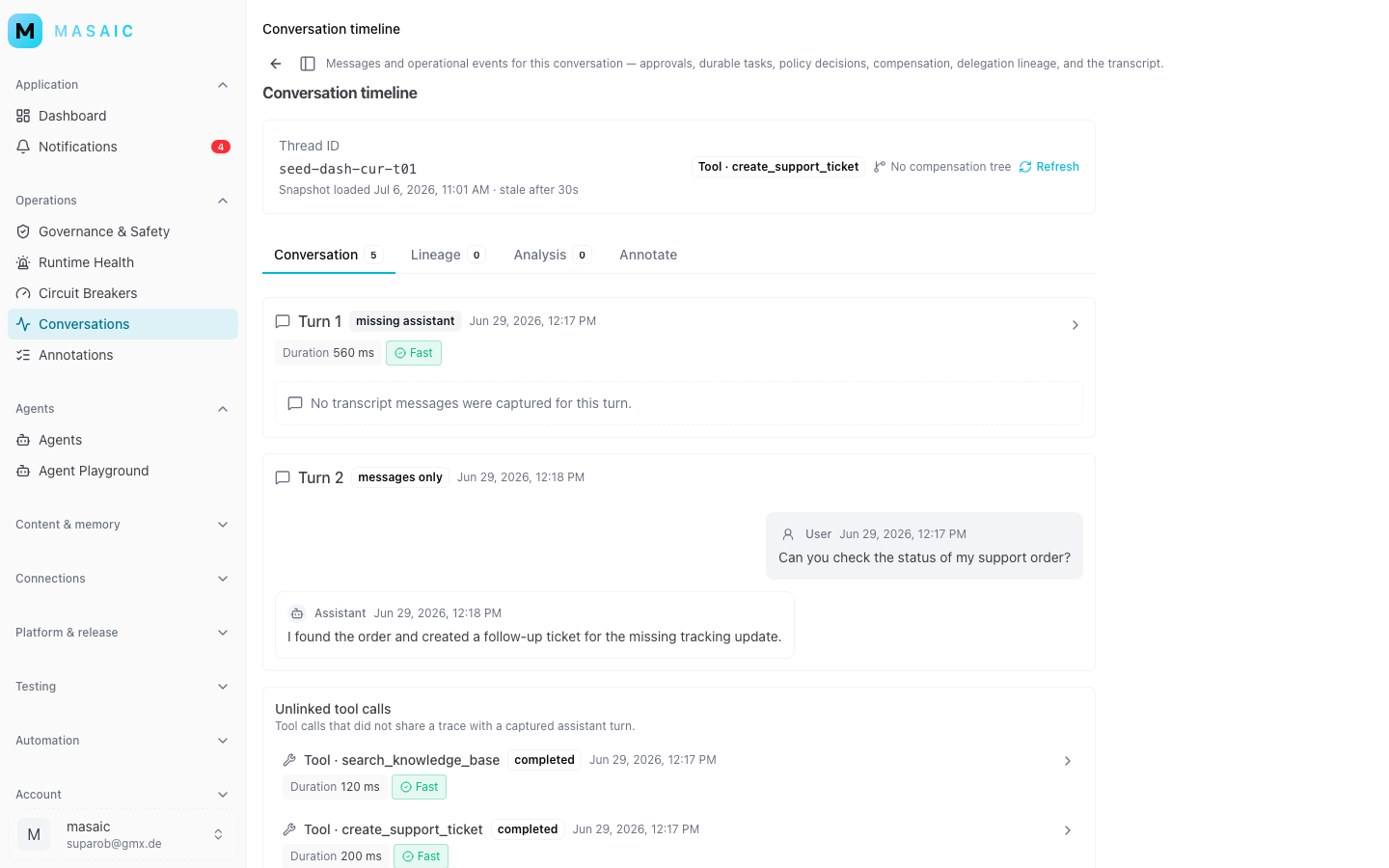
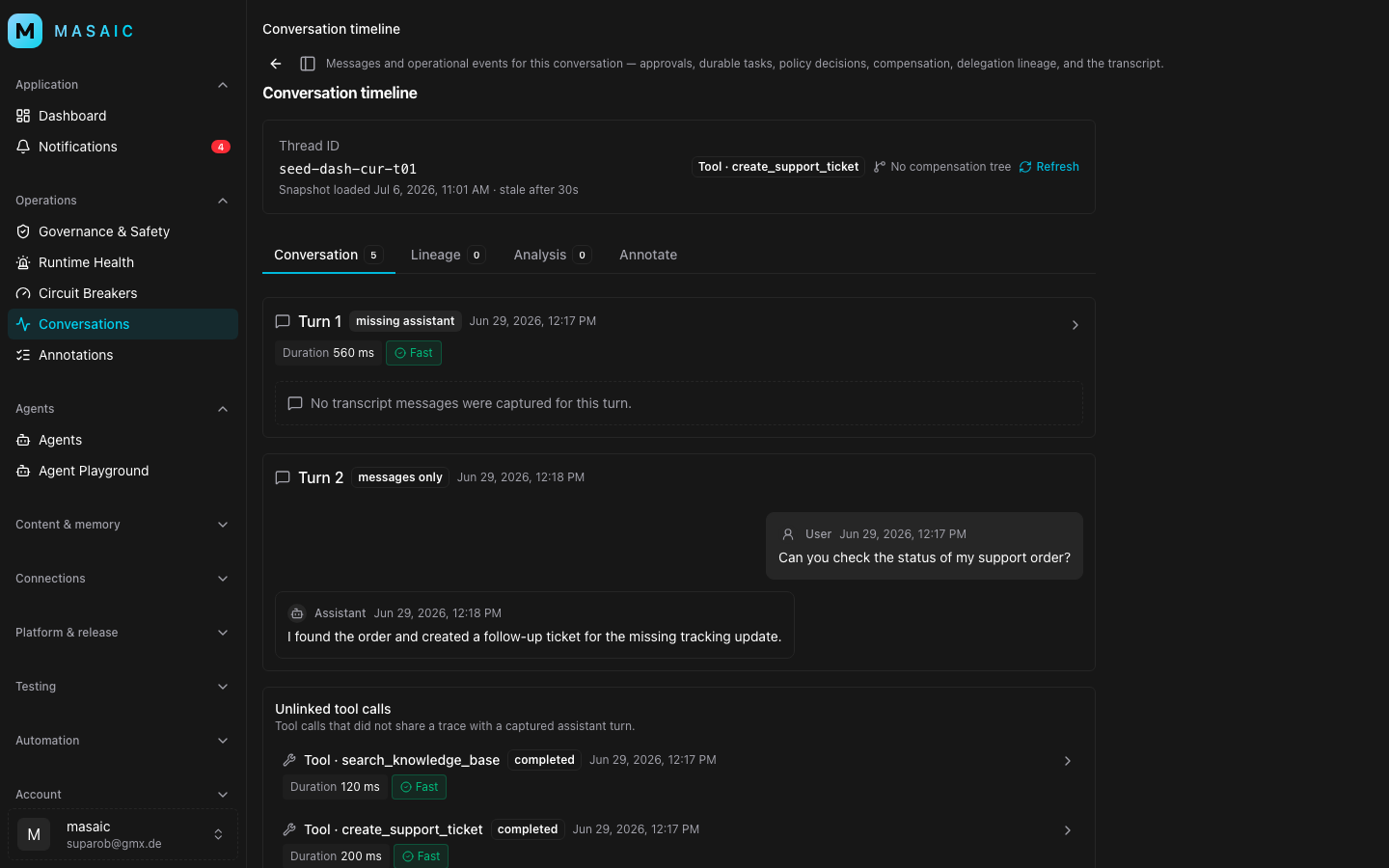
What you see on a run
Each conversation thread opens a detail page with tabs:
| Tab | Purpose |
|---|---|
| Conversation | Transcript plus operational timeline — what was said and what the platform recorded during the run. |
| Lineage | Invocation tree and trace context across nested agent or tool calls. |
| Analysis | Automatic outcome analysis when enabled for your workspace. |
| Annotate | Rubric-based human review — score quality and capture findings. |
Use Conversation for day-to-day debugging; use Lineage when you need to follow tool calls or nested invocations; use Annotate and Analysis for quality programs and regression tracking.
Typical review workflow
- Find — Filter conversations by agent, channel, environment, or time range.
- Read — Walk the transcript alongside timeline events (tool calls, handoffs, errors).
- Trace — Open Lineage when the failure is in execution, not wording.
- Score — Annotate with your team rubric or review automatic analysis results.
- Act — Turn findings into prompt changes, new test cases, or a held deployment.
When to use review vs the playground
| Situation | Prefer Agent Playground | Prefer Conversation review |
|---|---|---|
| Iterating on a prompt change | ✓ | |
| Reproducing a customer-reported issue | ✓ | |
| Auditing tool calls in production | ✓ | |
| Building a quality scorecard | ✓ | |
| Demo to stakeholders in the room | ✓ |
Related reading
- Agent Playground — pre-ship validation.
- Testing and release — automated suites and promotion.
- Safe rollouts — governance before production changes.