
We are paving the way for an Internet of Agents
MASAIC enables an internet-wide multi-agent ecosystem where agents and tools can be published, discovered, and connected across organizations regardless of the underlying technology stack.
Agent-to-Agent Protocol
Google's standard protocol for seamless communication between AI agents
Model Context Protocol
A universal protocol for connecting AI models with tools and data sources
Agent UI Protocol
A CopilotKit-based protocol for interactive AI chat experiences
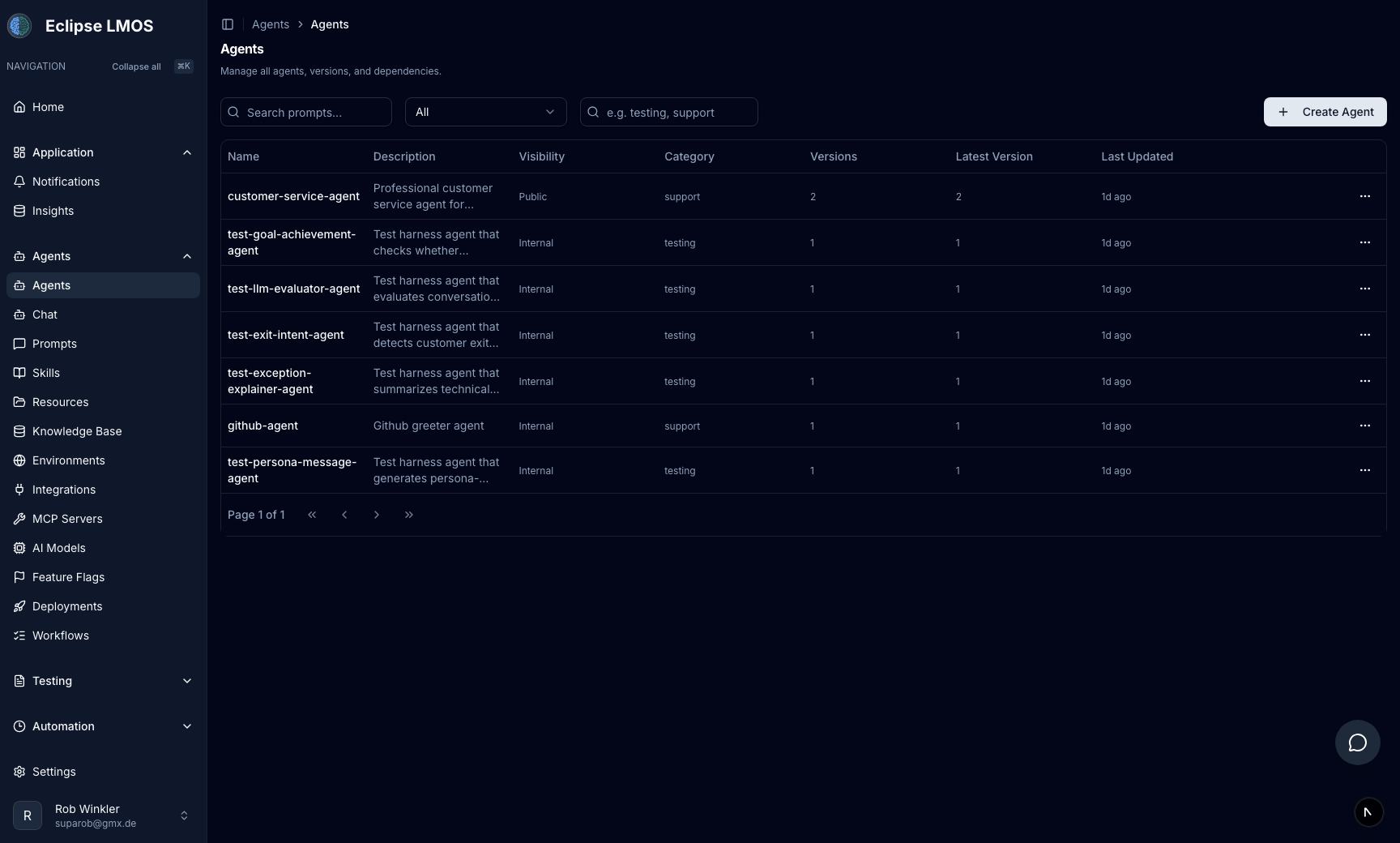
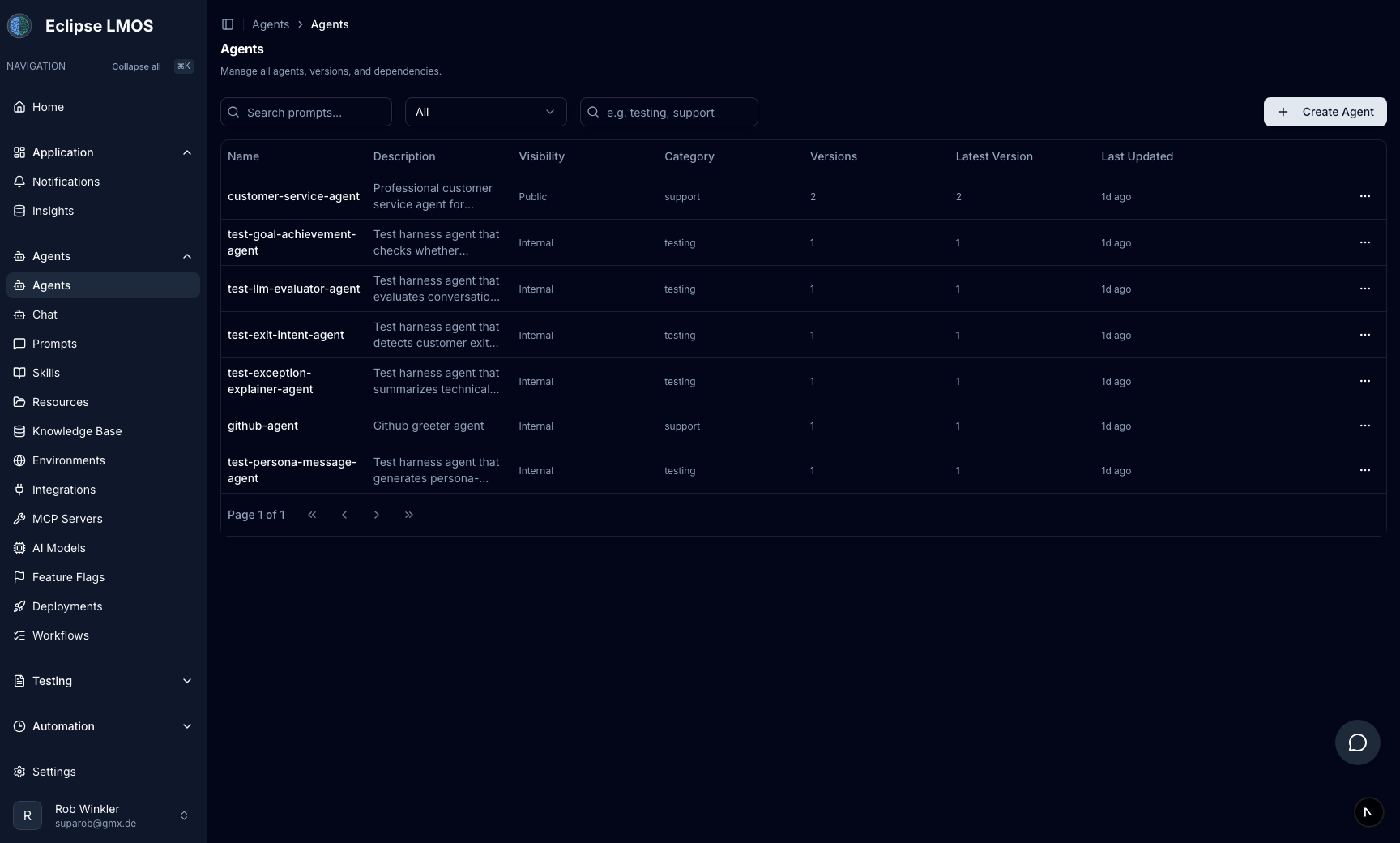
One platform for all your AI agents
Manage the full lifecycle of every agent in your ecosystem, from creation and versioning to monitoring and multi-tenant deployment.
- Register and version agents across any language or framework
- Control visibility per environment for public and internal agents
- Filter by category and monitor deployment status
- Route between specialized agents with NLU-based handoffs
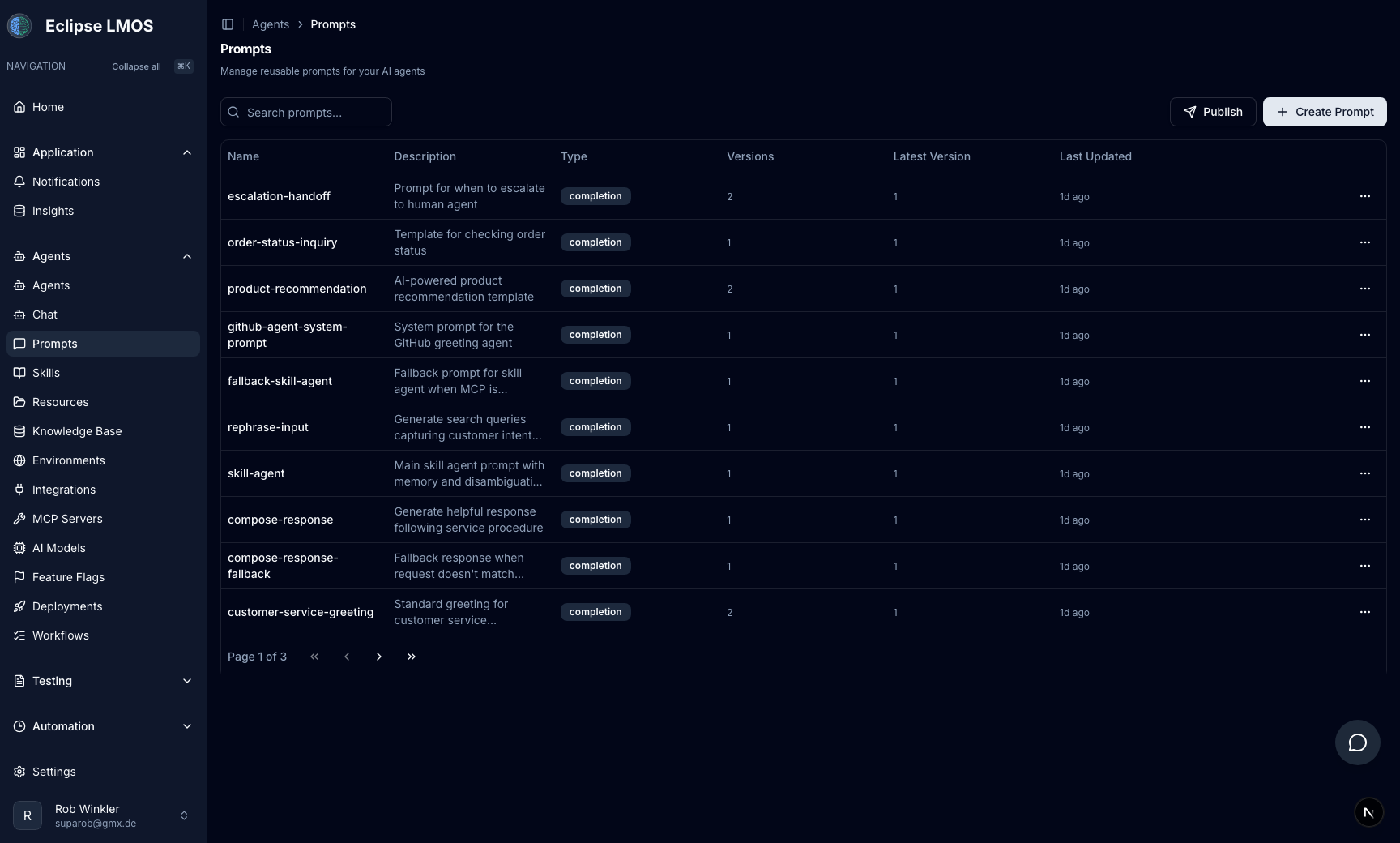
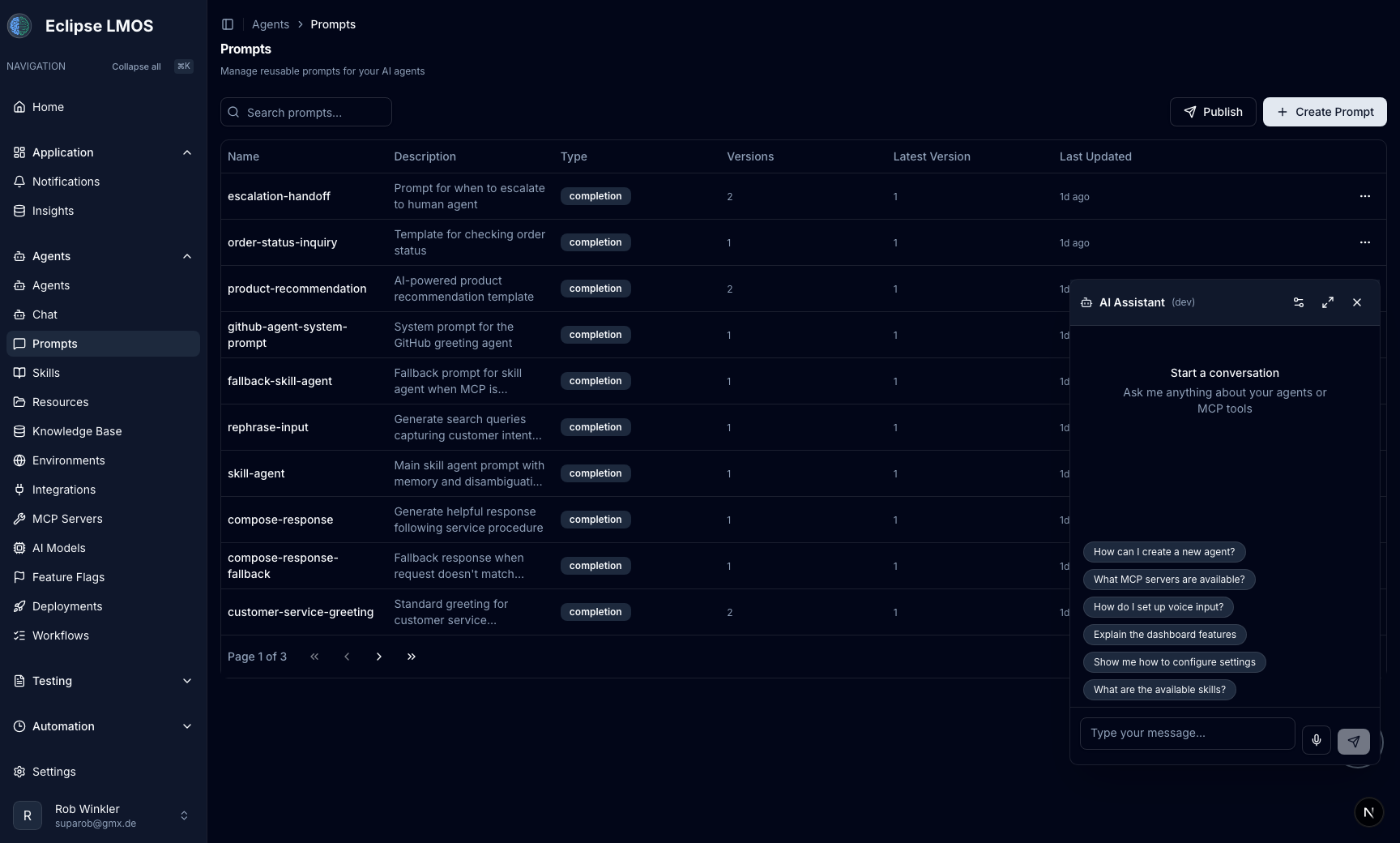
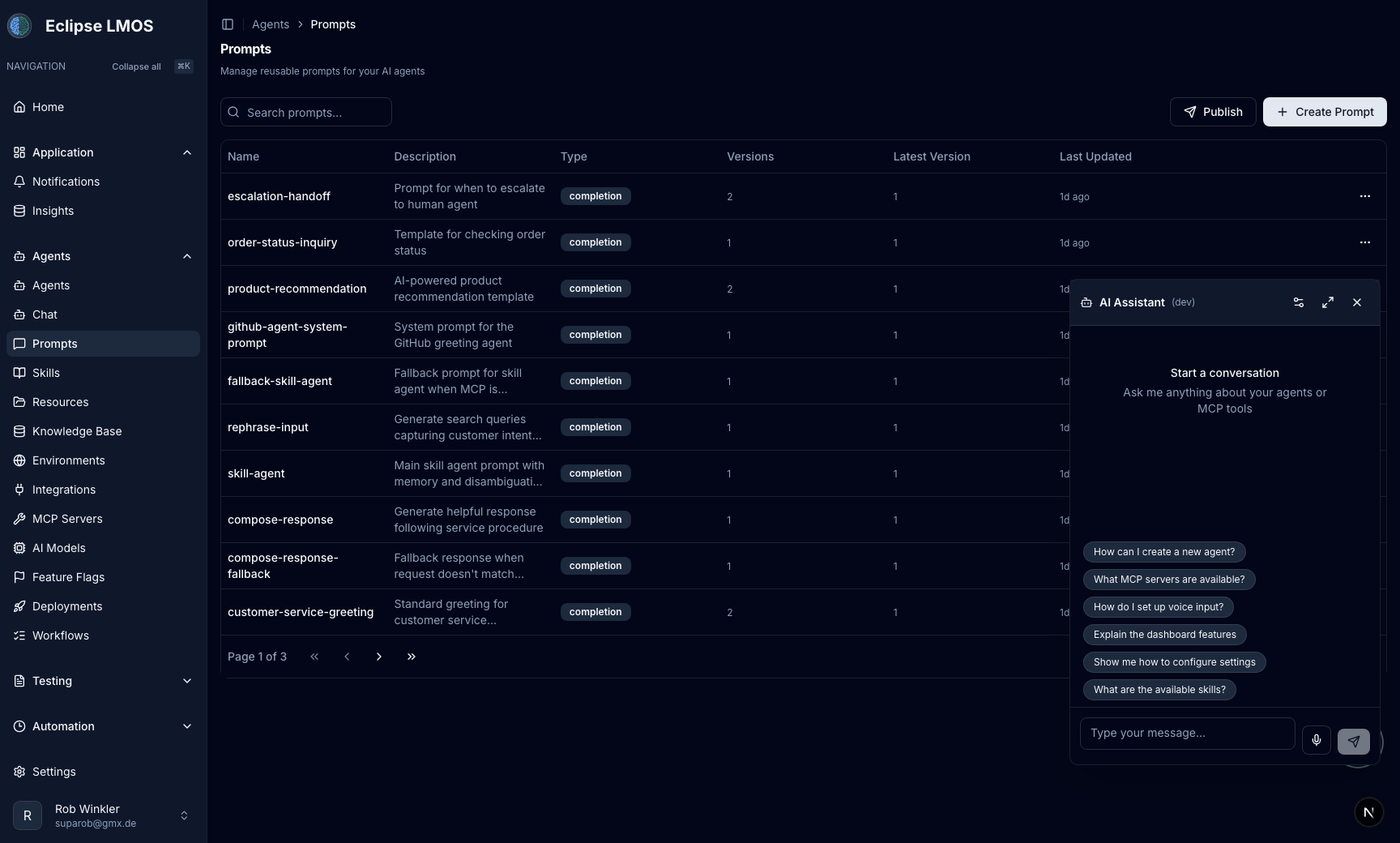
Version, test, and publish prompts like code
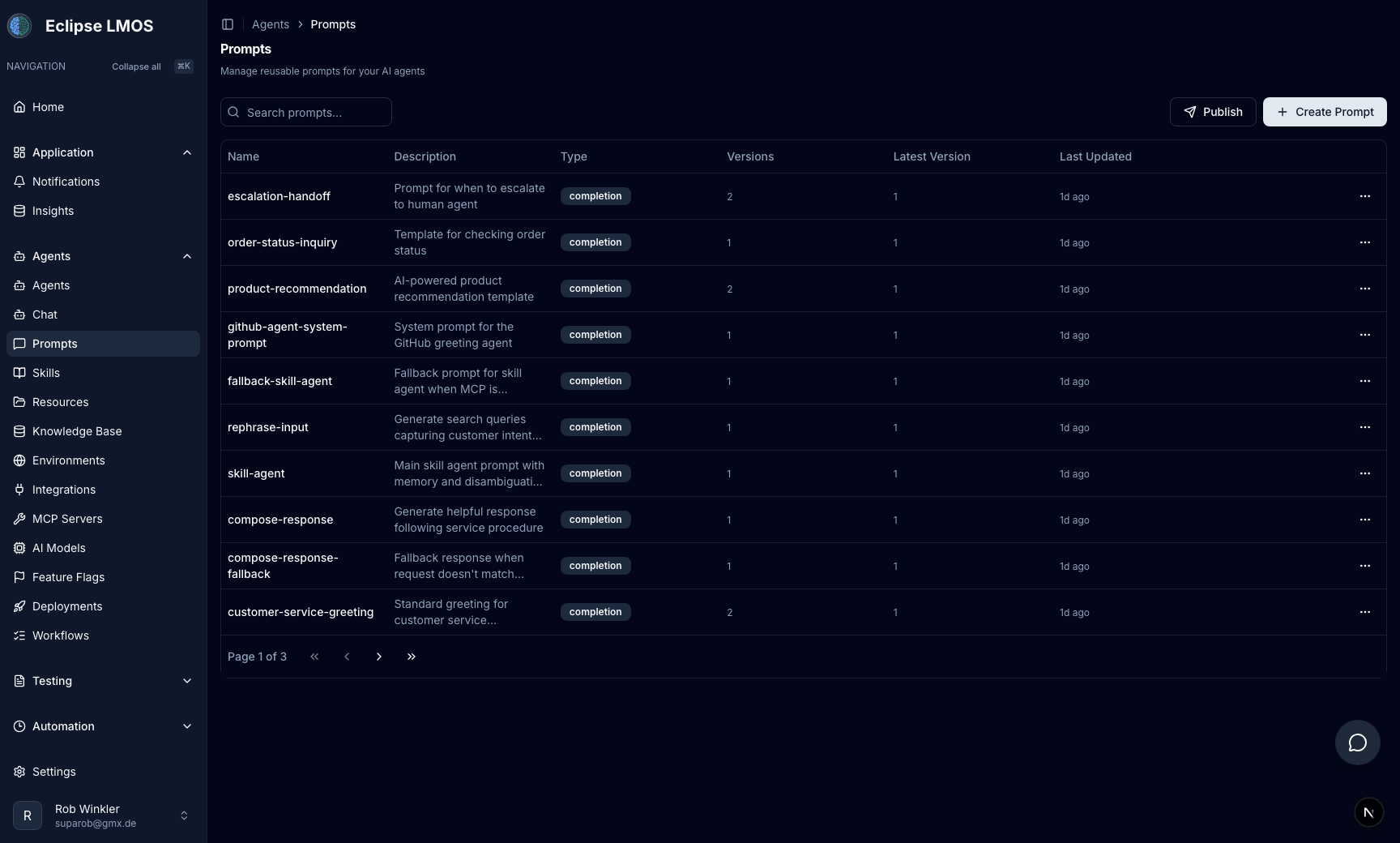
Build a reusable library of prompt templates with full version history, live testing, and one-click publishing.
- Create, edit, and version prompt templates
- Publish or roll back prompt versions instantly
- Test prompts with real agent context and mock data
- Manage completion and system prompts separately
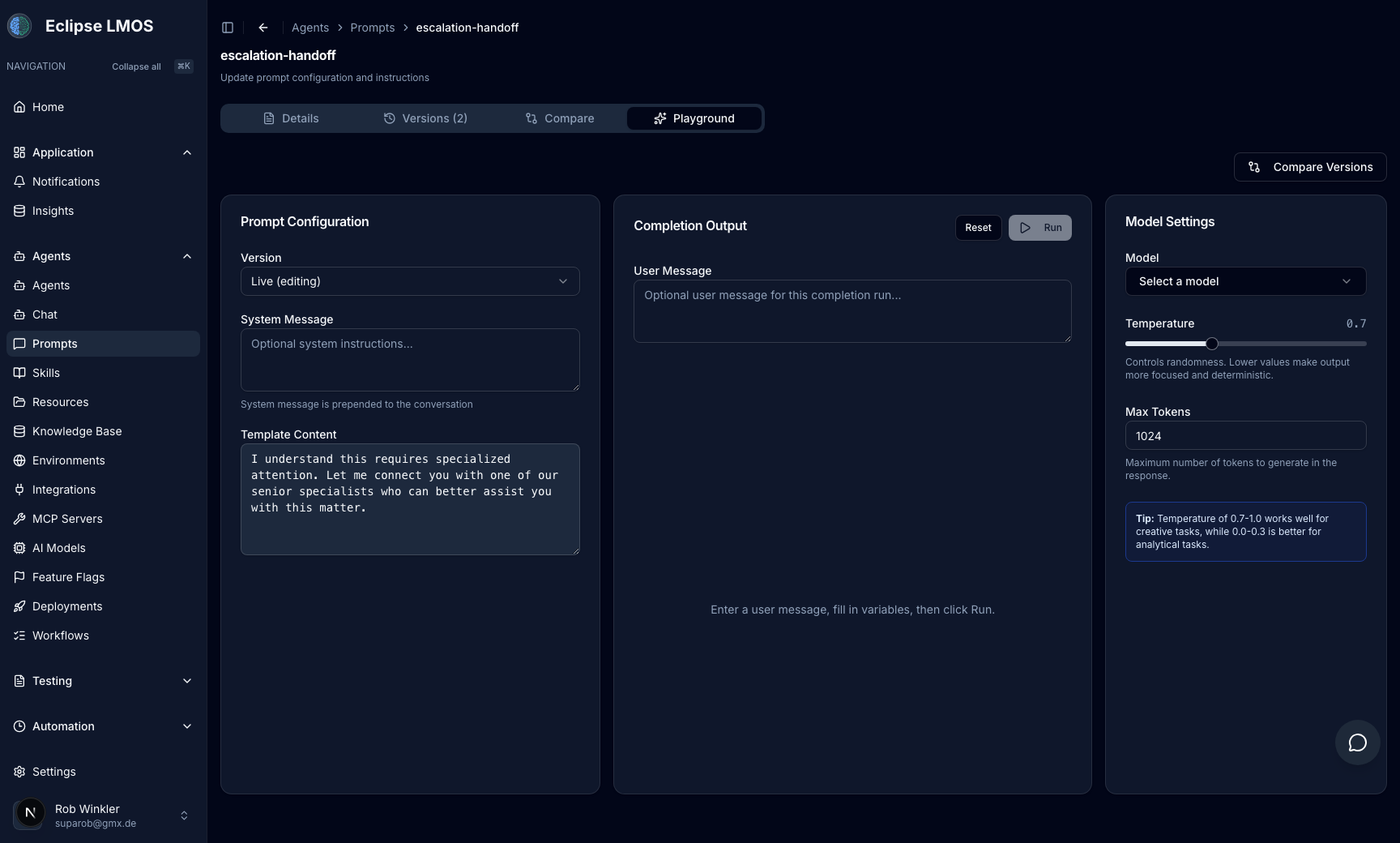
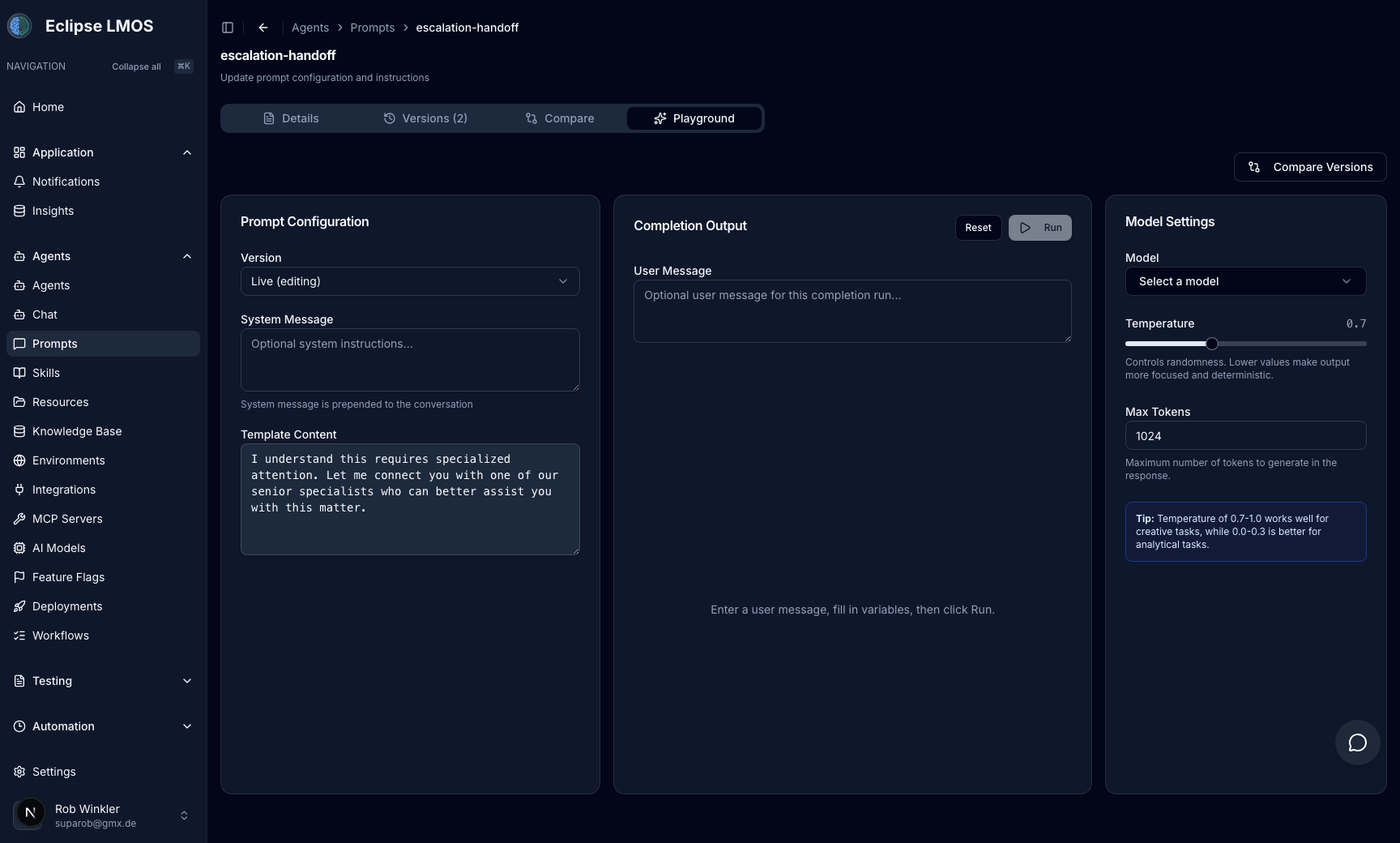
Validate prompts in a real execution playground
Run prompt templates instantly with live variables, model settings, and contextual inputs to tune outcomes before shipping.
- Run test prompts against connected models in seconds
- Inspect generated responses with full context
- Adjust prompt inputs and iterate quickly
- Use the same playground workflow across teams
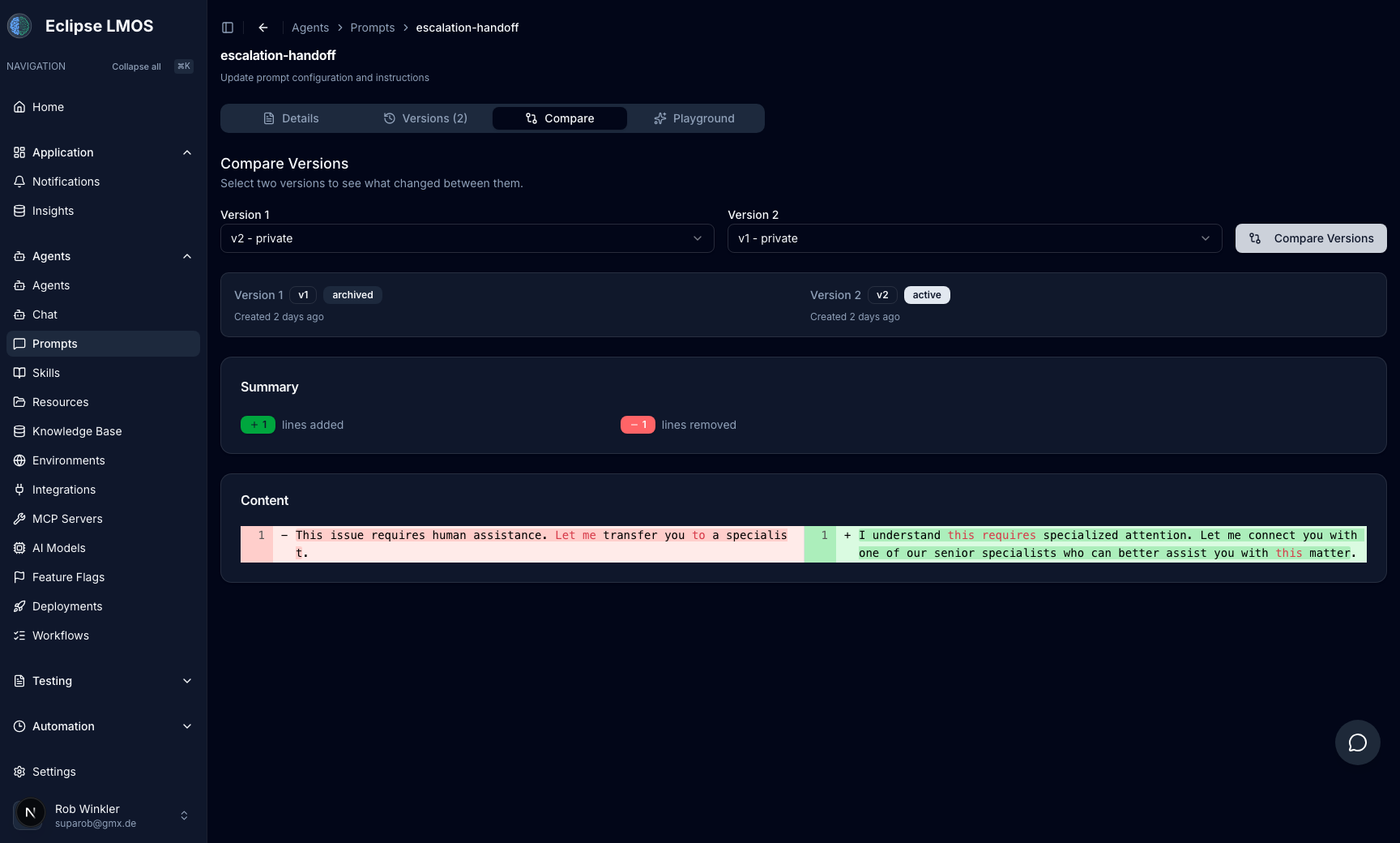
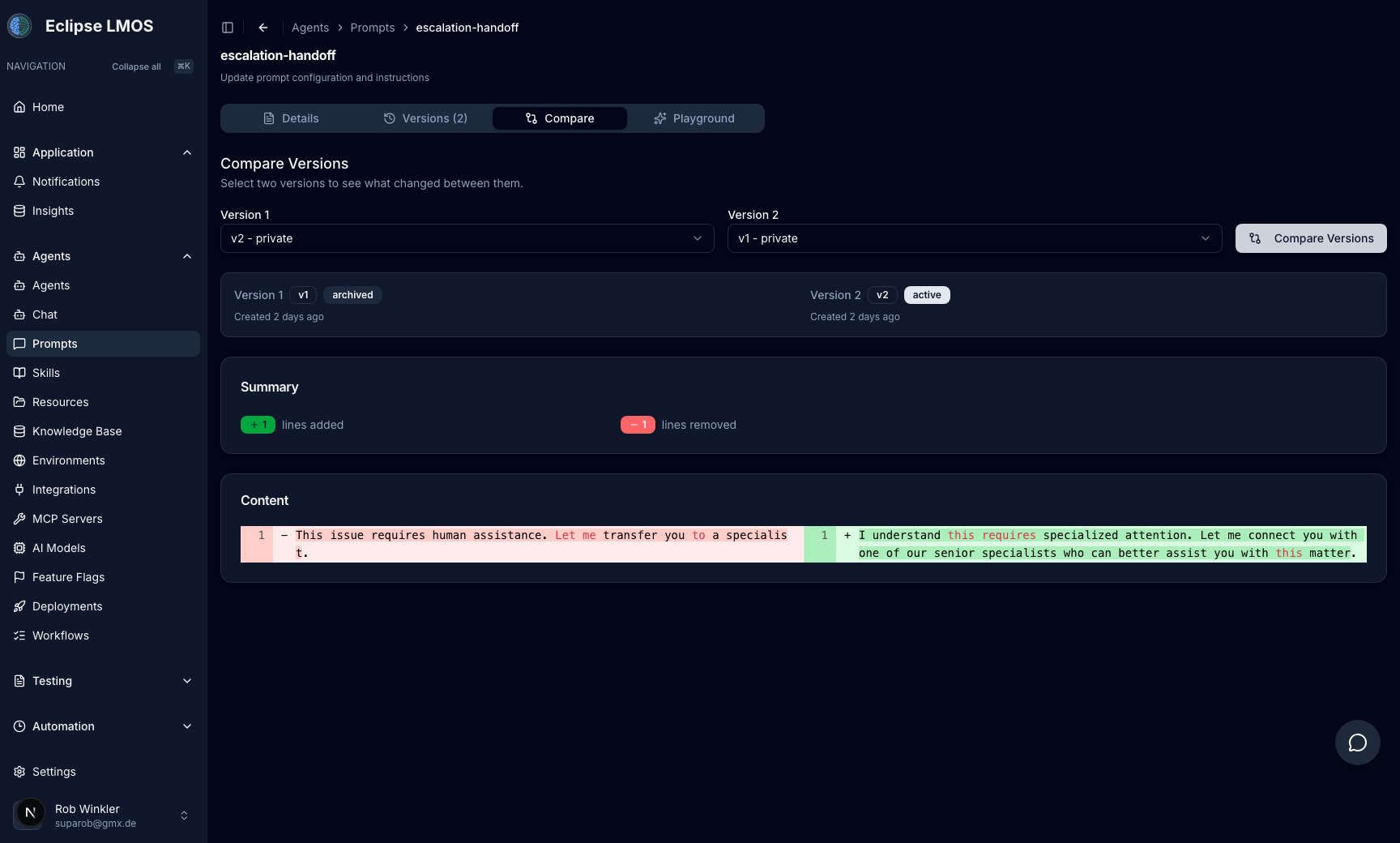
Compare prompt versions and review changes clearly
Track exactly what changed between prompt versions before rollout and keep prompt evolution auditable for teams.
- Compare any two prompt versions side by side
- Review additions, removals, and changed arguments
- Audit prompt evolution before publishing
- Reduce regressions in production prompt updates
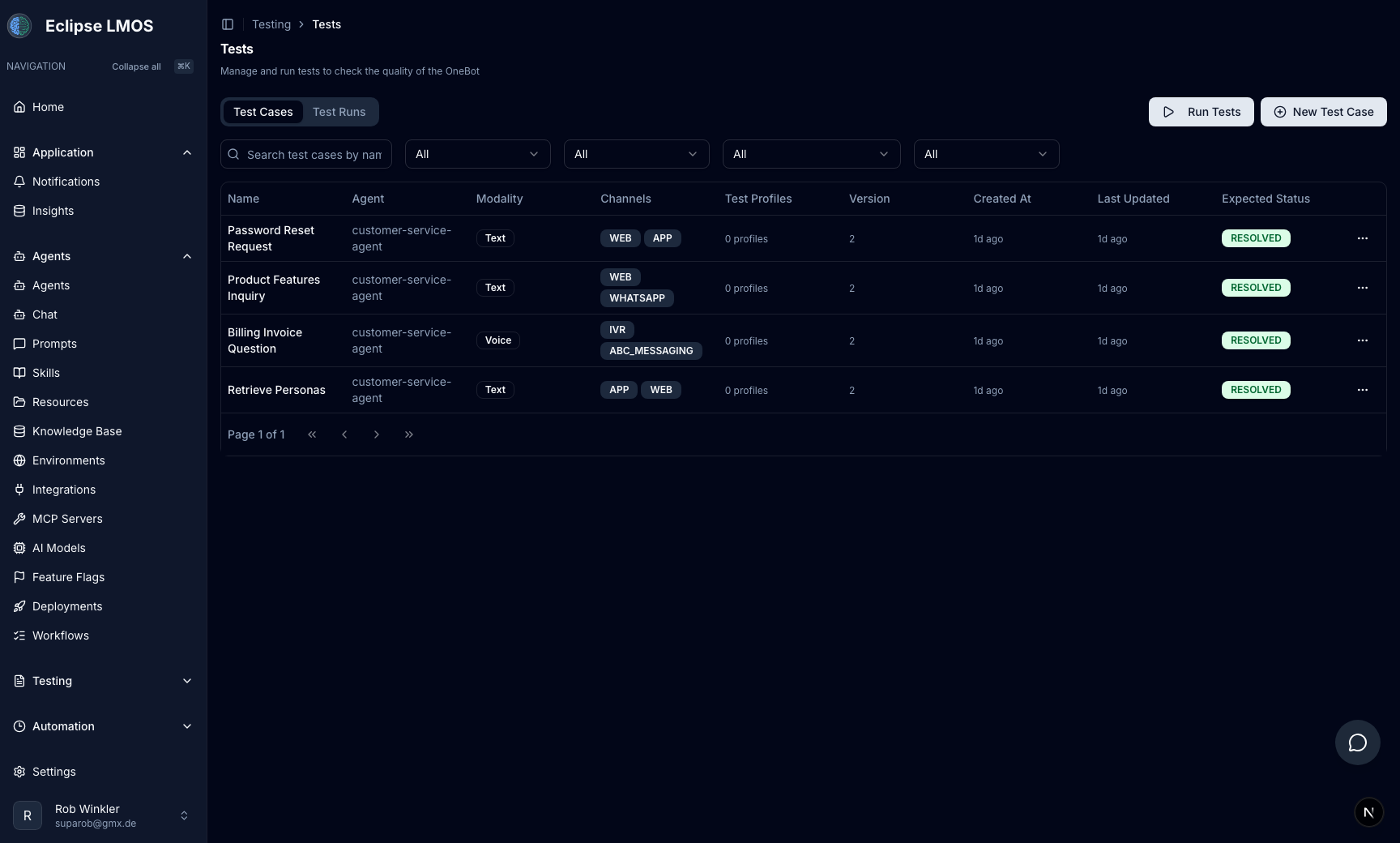
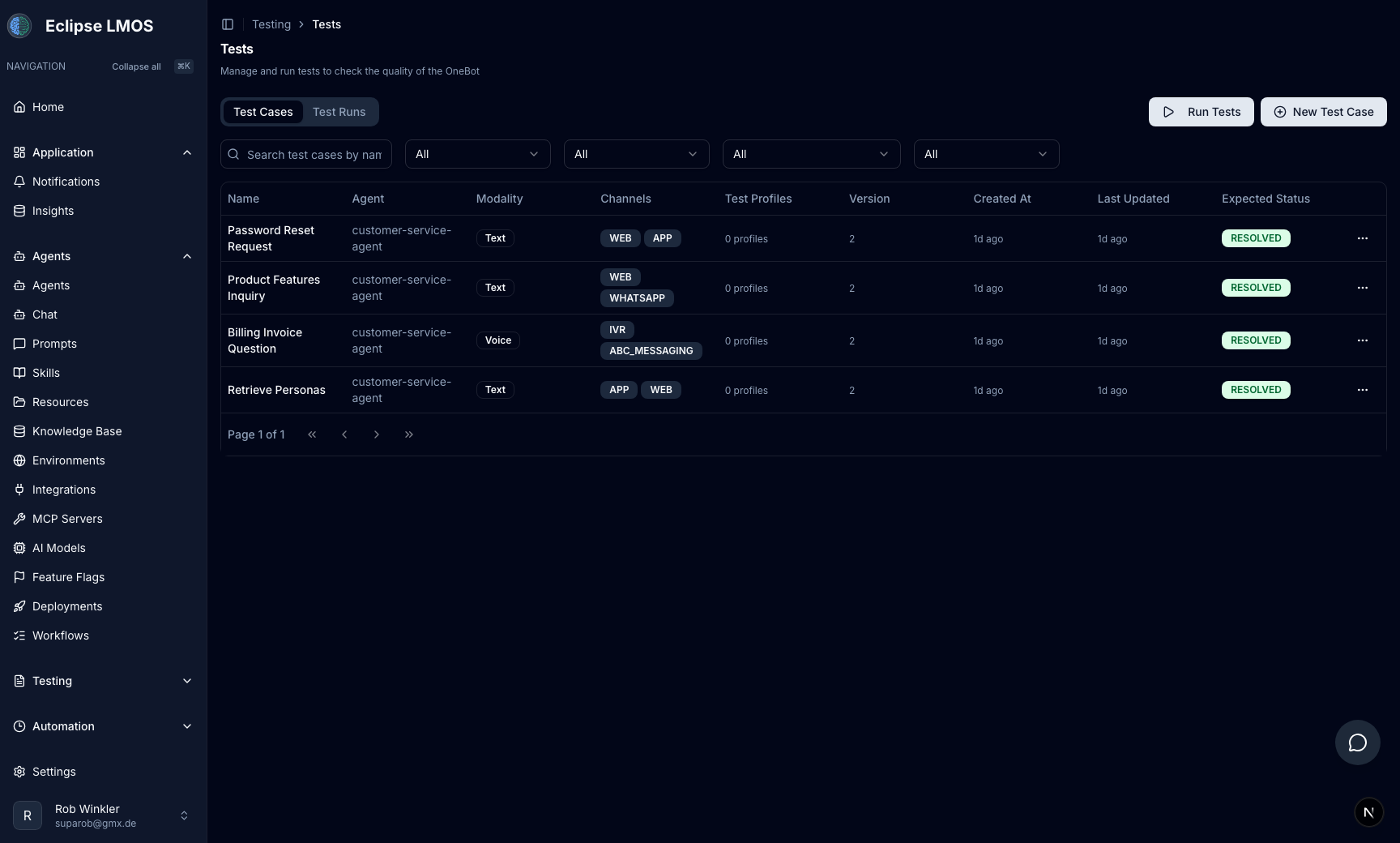
AI-native test automation and persona testing
Define test cases across channels and run them automatically against your agents with evaluator agents and personas.
- Create test cases across web, IVR, app, and messaging channels
- Run complete test suites with a single click
- Evaluate outcomes with AI evaluator agents
- Simulate realistic behavior with AI personas
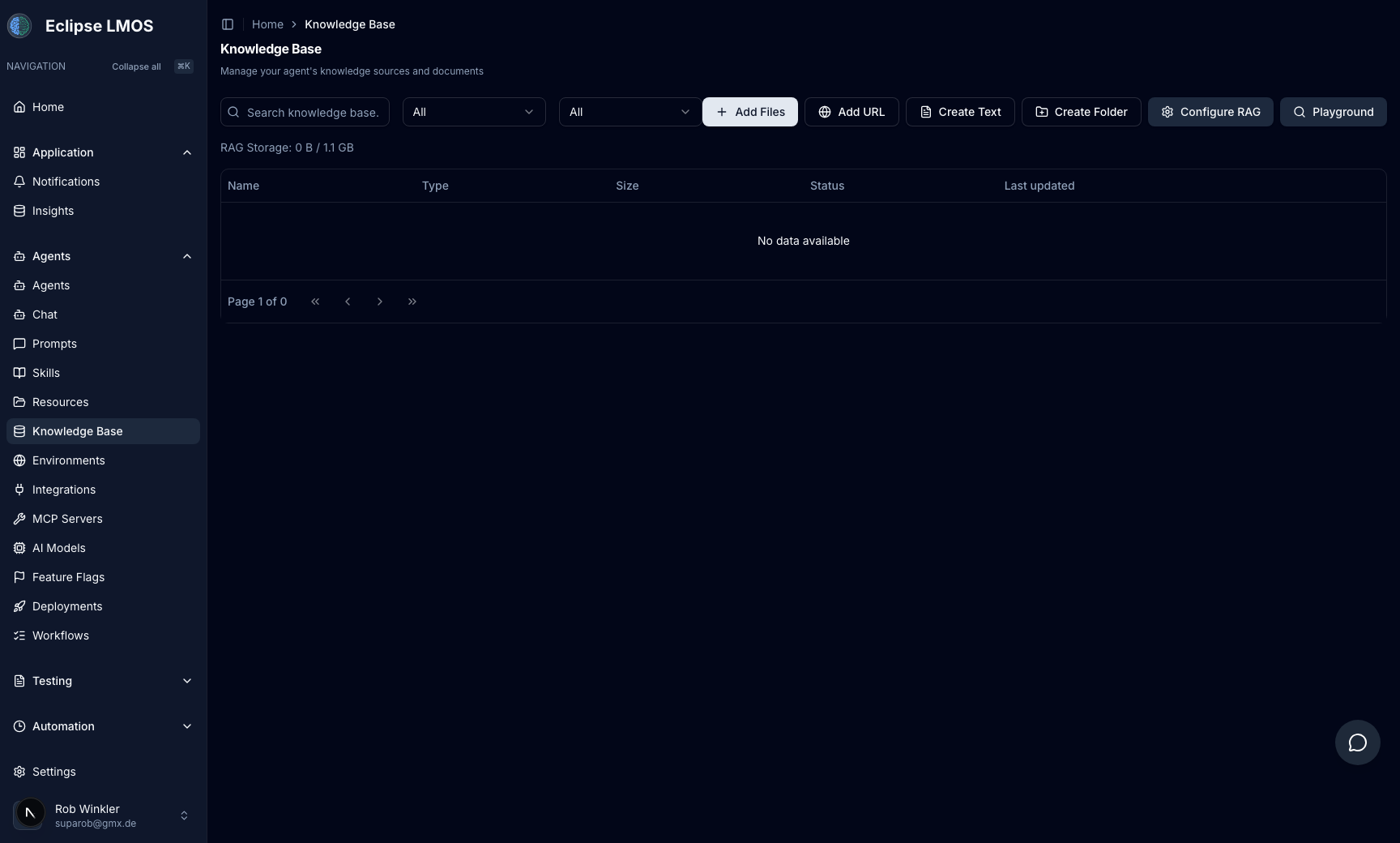
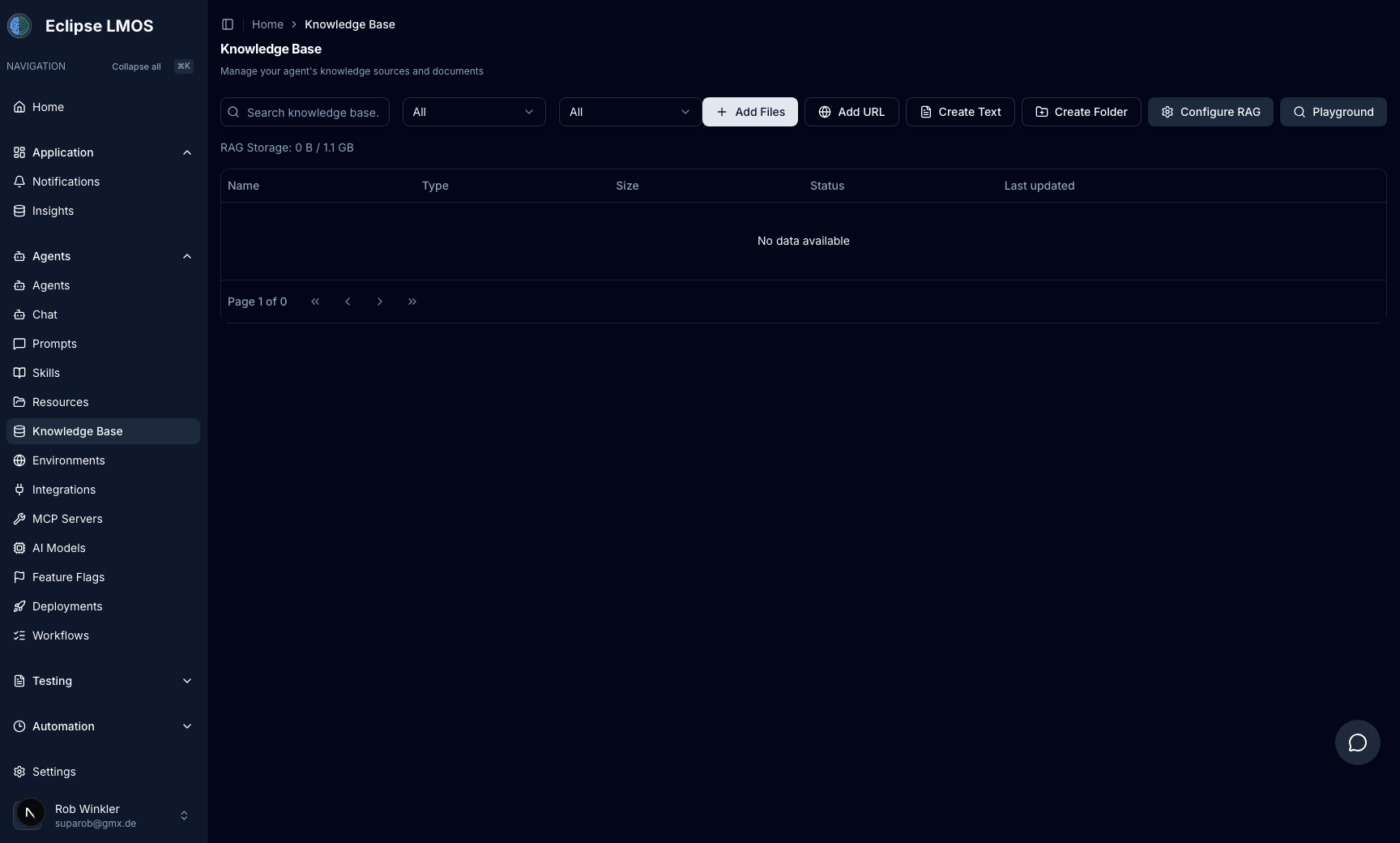
Manage your RAG knowledge sources in one workspace
Upload files, add URLs, create documents, and organize folders to power retrieval-augmented responses for your agents.
- Centralized source management with search and filters
- Upload files and URLs directly into your knowledge base
- Track storage usage and maintain a clean source structure
- Configure RAG behavior from the same operational view
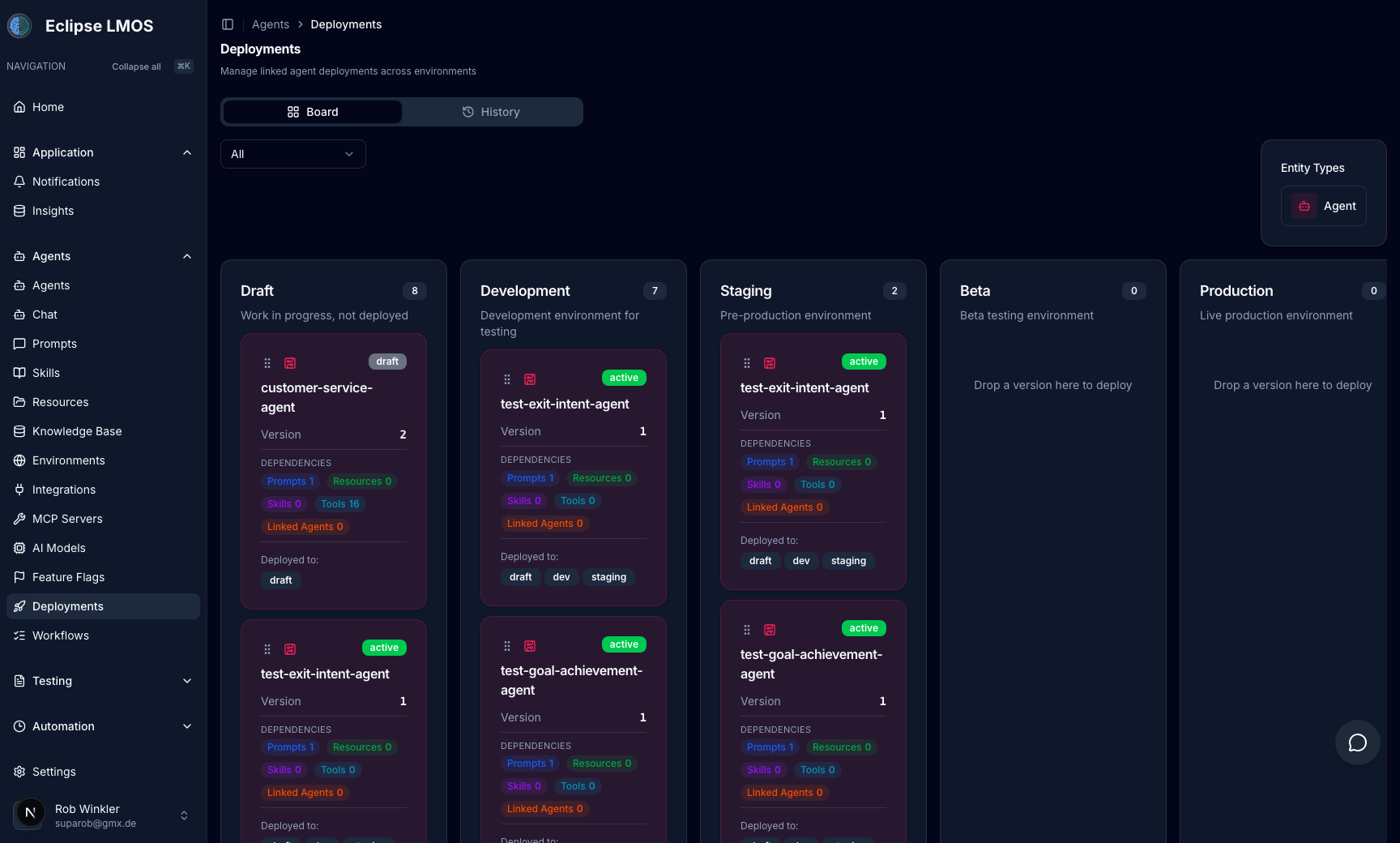
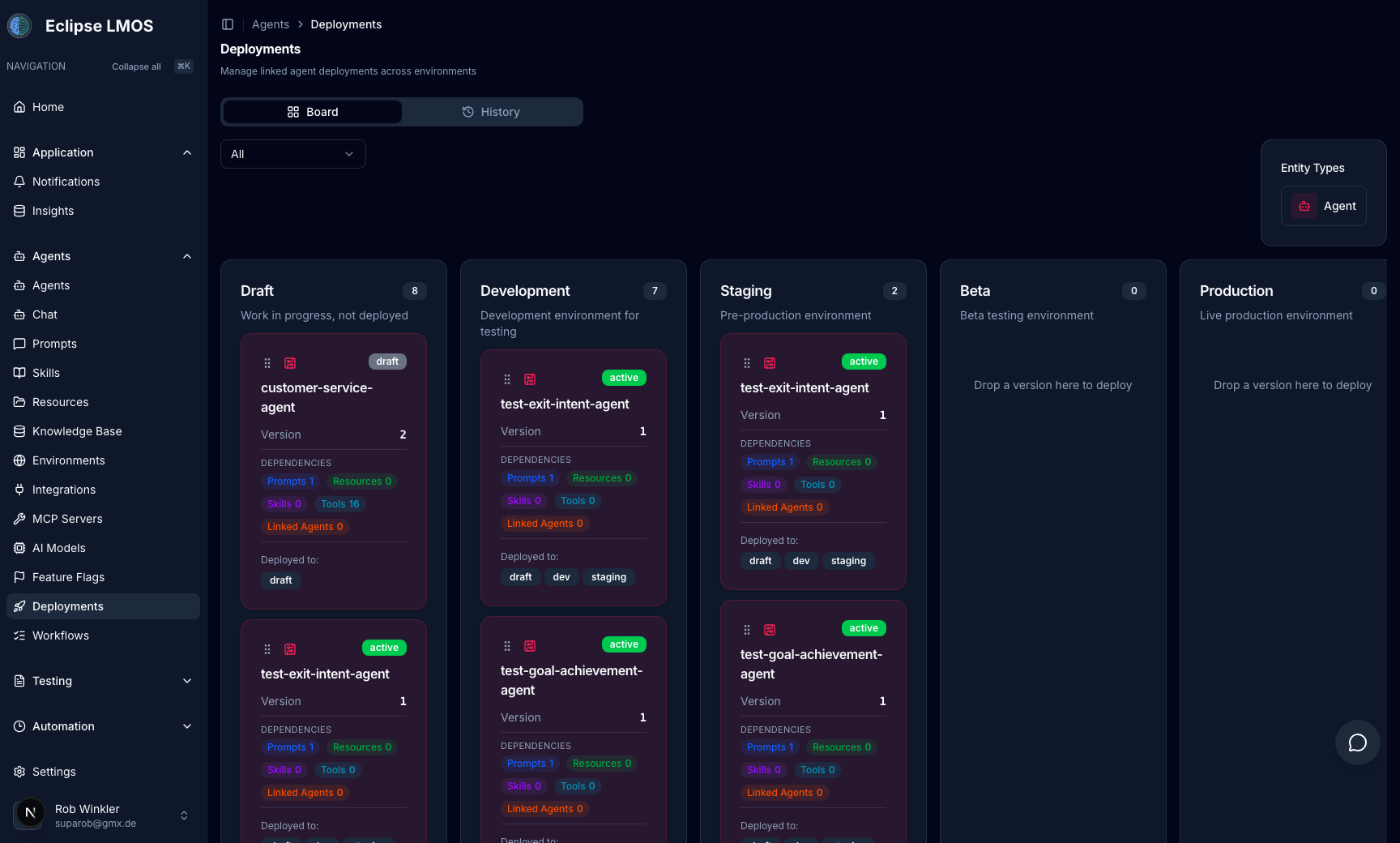
Promote agent versions across environments safely
Move versions from draft to development, staging, beta, and production with clear visibility into dependencies and deployment state.
- Environment-based deployment board with drag-and-drop flows
- Version lifecycle visibility from draft to production
- Dependency insights for prompts, skills, tools, and linked agents
- History and status tracking for controlled releases
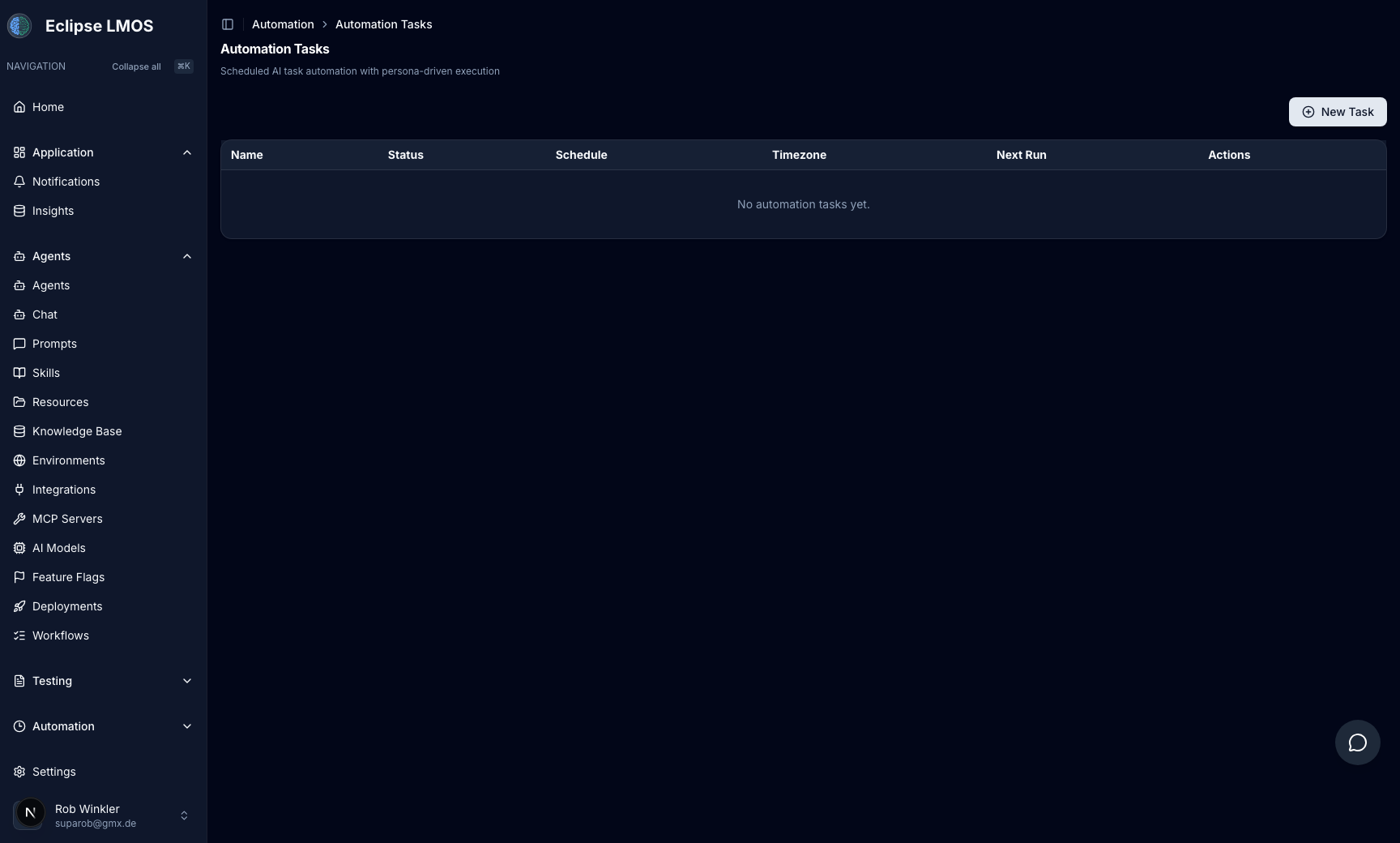
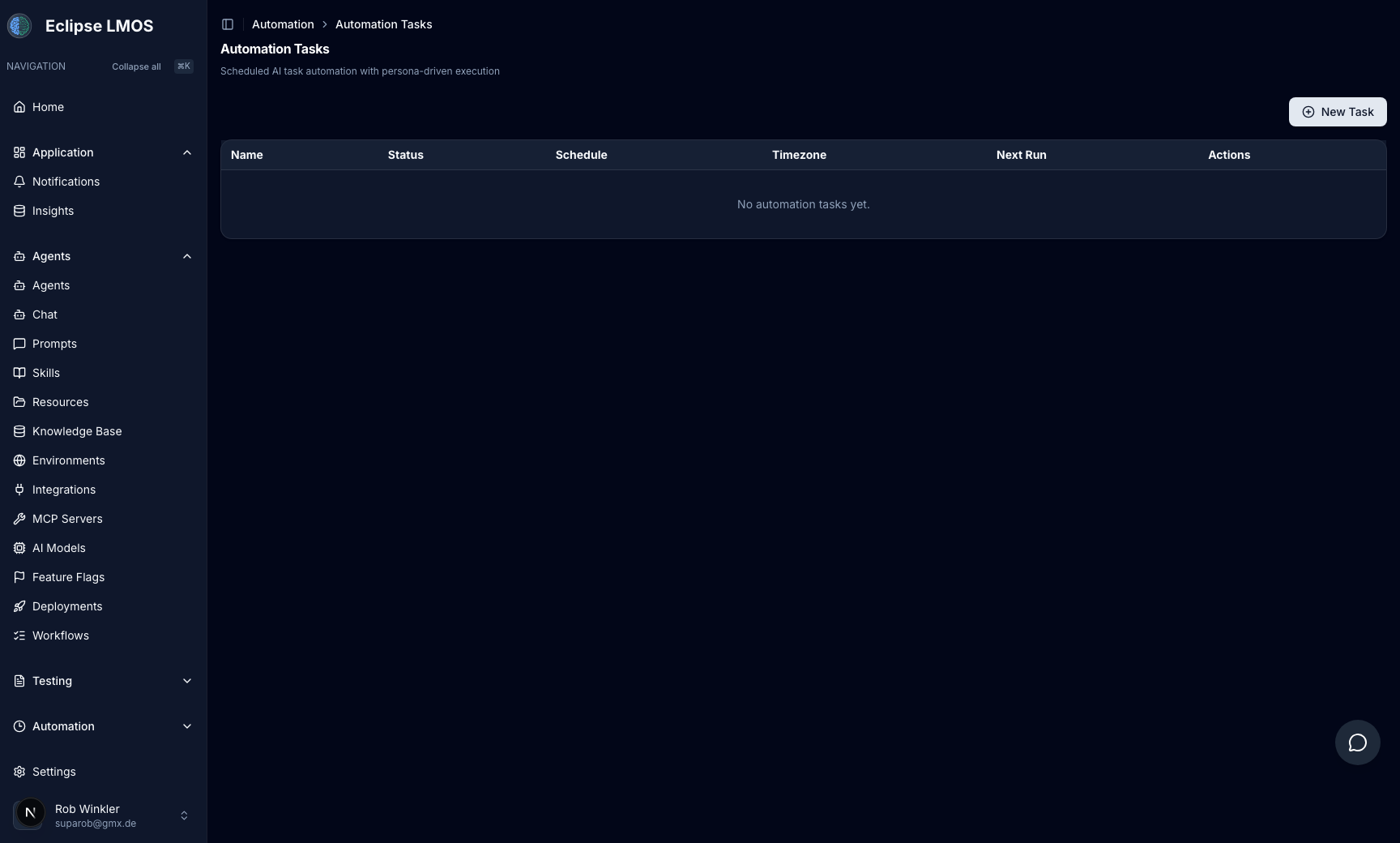
Schedule operational tasks and run them automatically
Define scheduled automation tasks to execute recurring platform operations with persona-driven execution and centralized tracking.
- Create and schedule recurring automation tasks
- Manage task status, schedule, timezone, and next run
- Operate automations from a dedicated task control view
- Scale routine operations without manual intervention
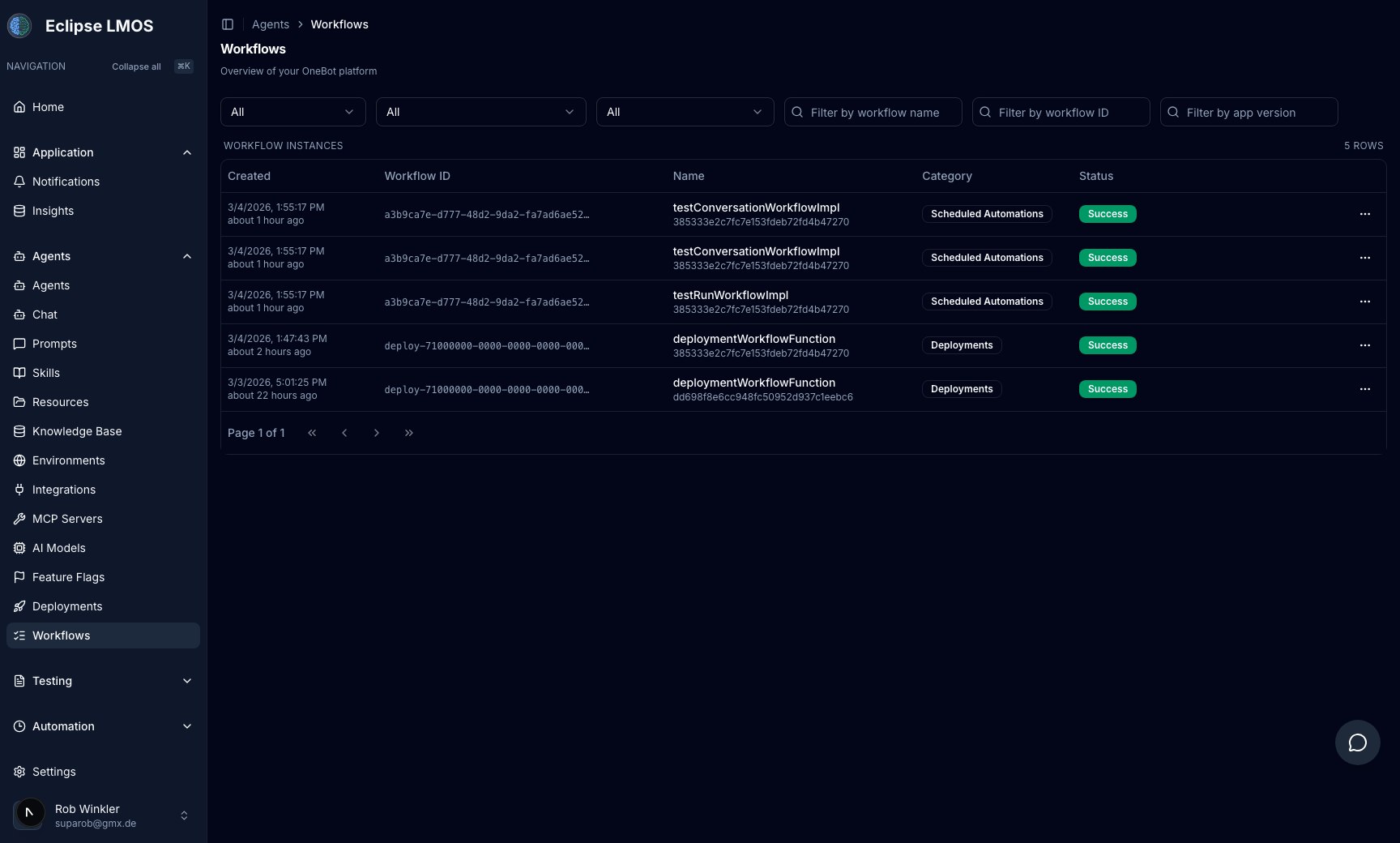
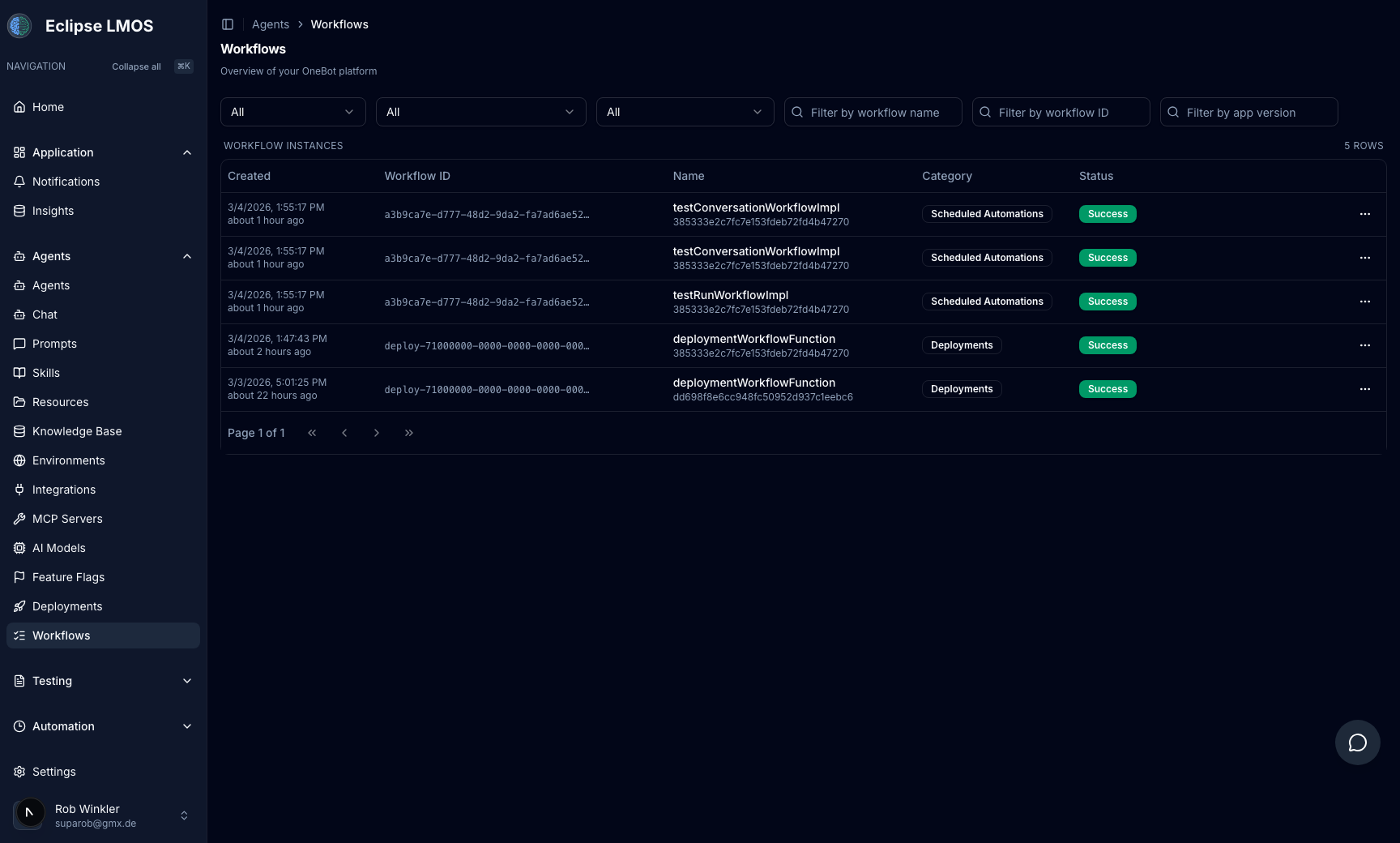
Observe workflow runs and execution health in real time
Track workflow instances by status, category, and version to understand how automations and deployments execute over time.
- Filter workflow instances by name, ID, and app version
- Monitor execution status and success rates at a glance
- Audit workflow history with timestamped run records
- Debug operations quickly with centralized workflow visibility
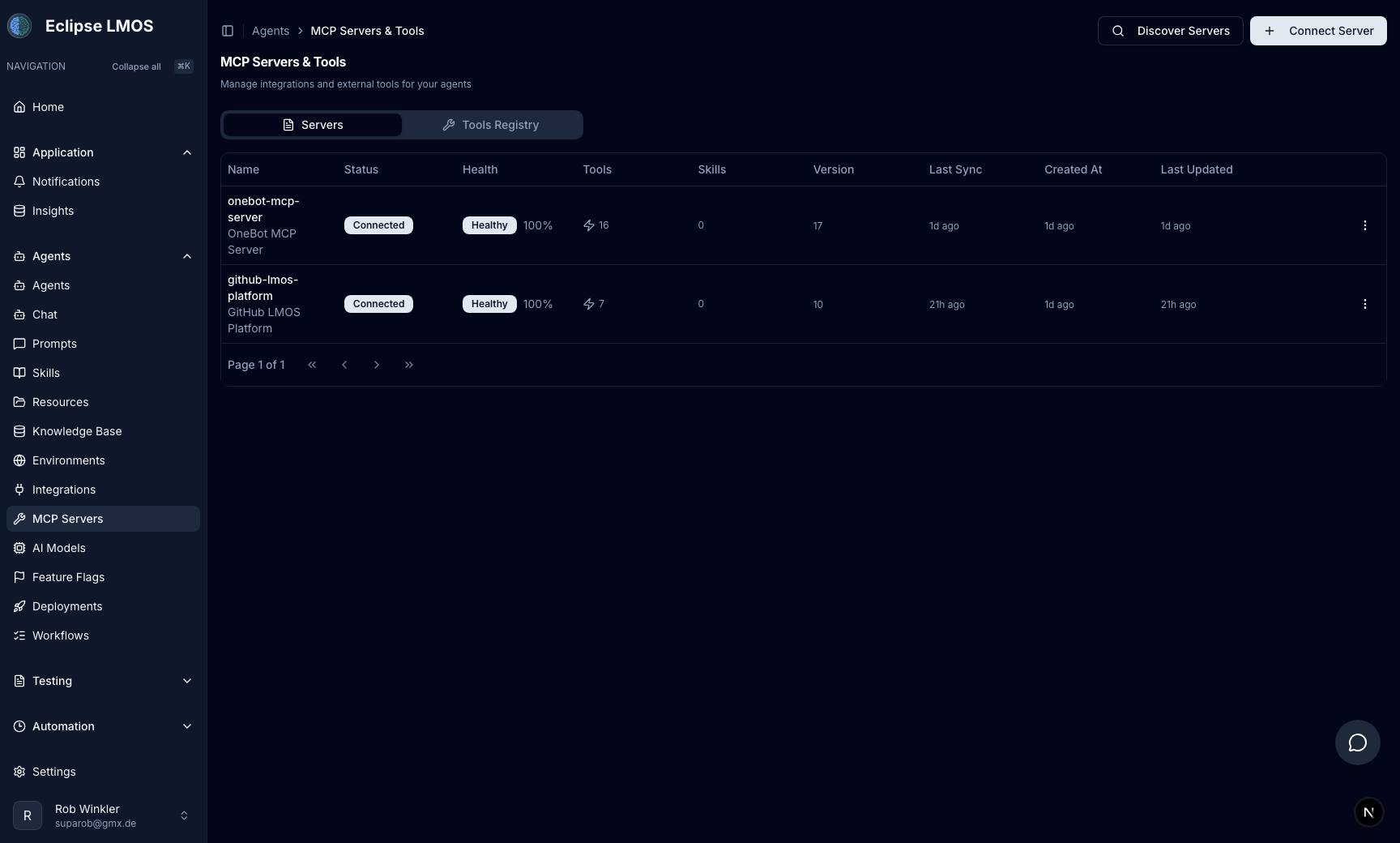
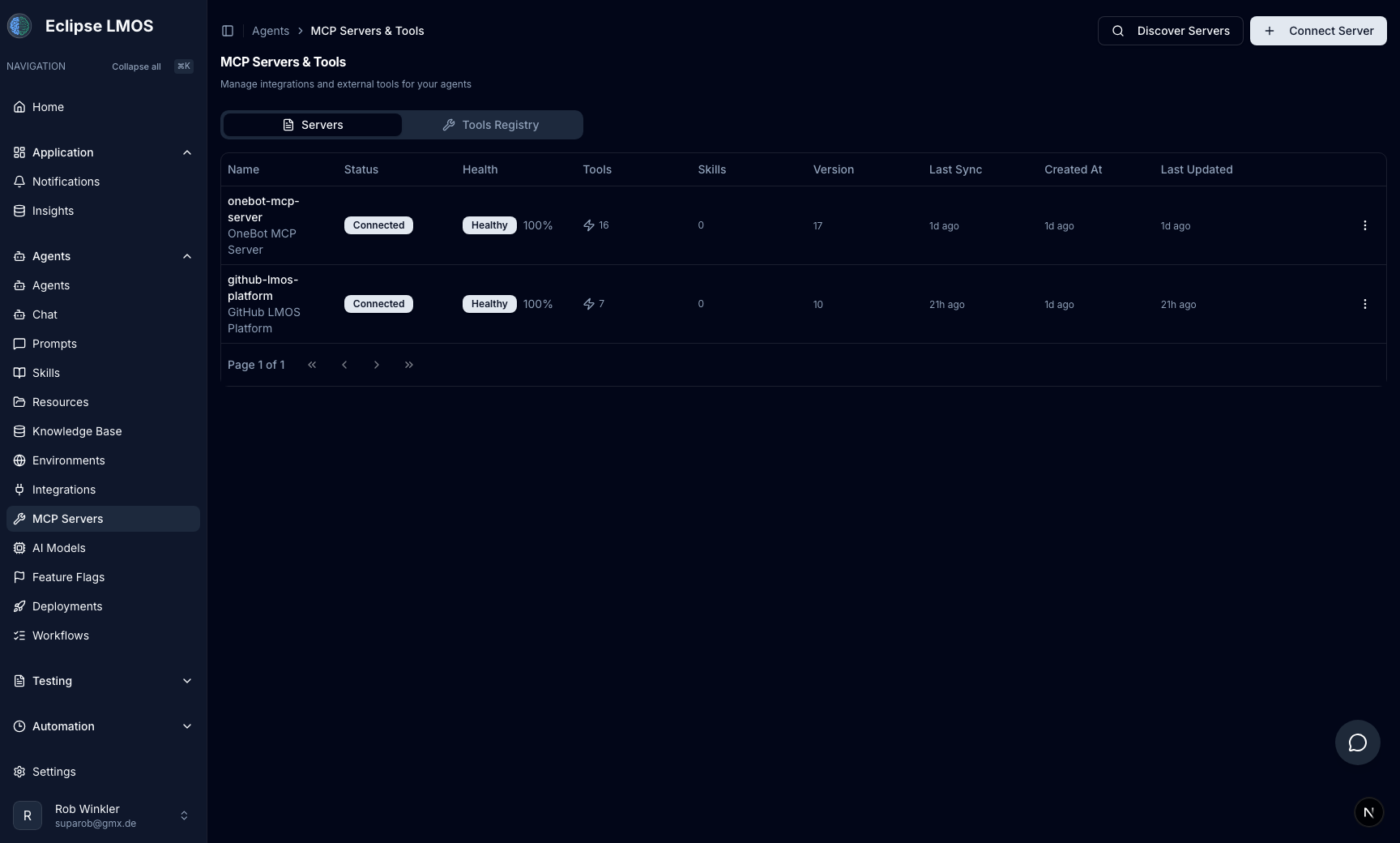
Connect anything via Model Context Protocol
Plug in any tool, API, or data source through MCP servers and monitor connections, health checks, tool counts, and skill mappings in one place.
- Connect remote and local MCP servers in seconds
- Monitor health and sync status in real time
- Map skills to tools through a shared registry
- Discover community servers from a central registry
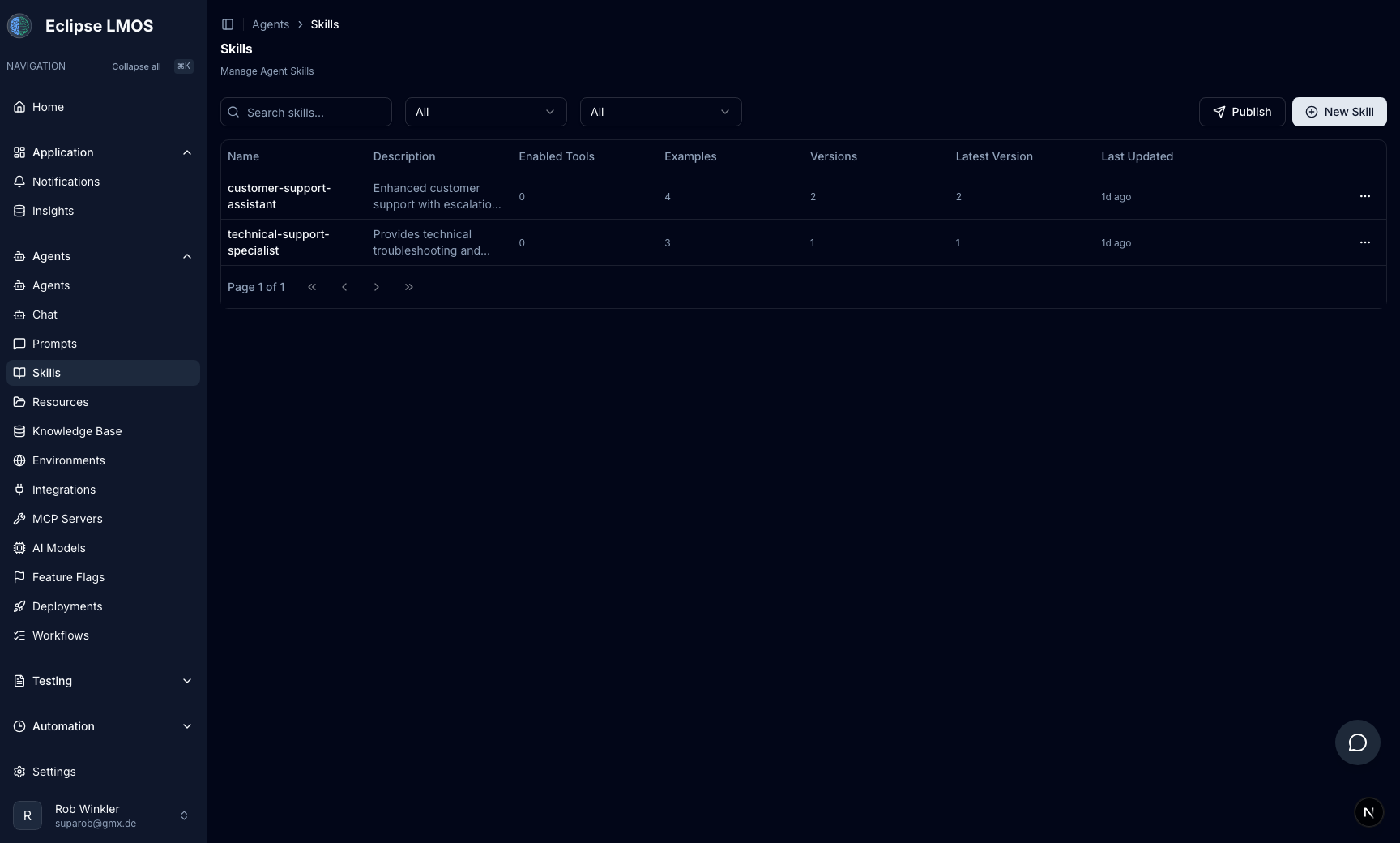
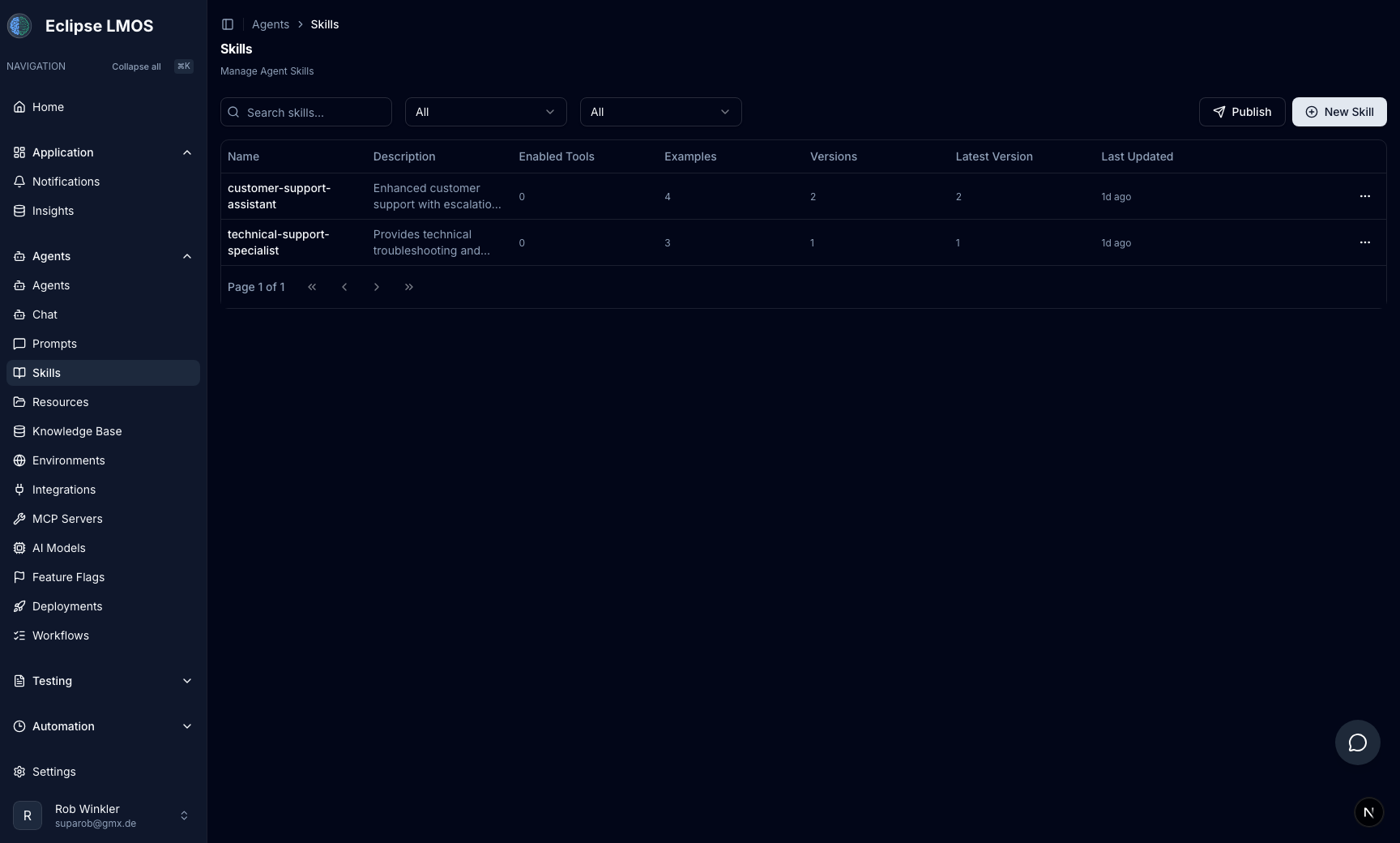
Composable skills power your agents
Define reusable agent skills with versioned configurations and example libraries to extend agent capabilities without redeploying.
- Create and version agent skills independently
- Attach multiple skills to a single agent
- Include example conversations per skill
- Publish skills to every environment at once
Chat directly with agents in a dedicated workspace
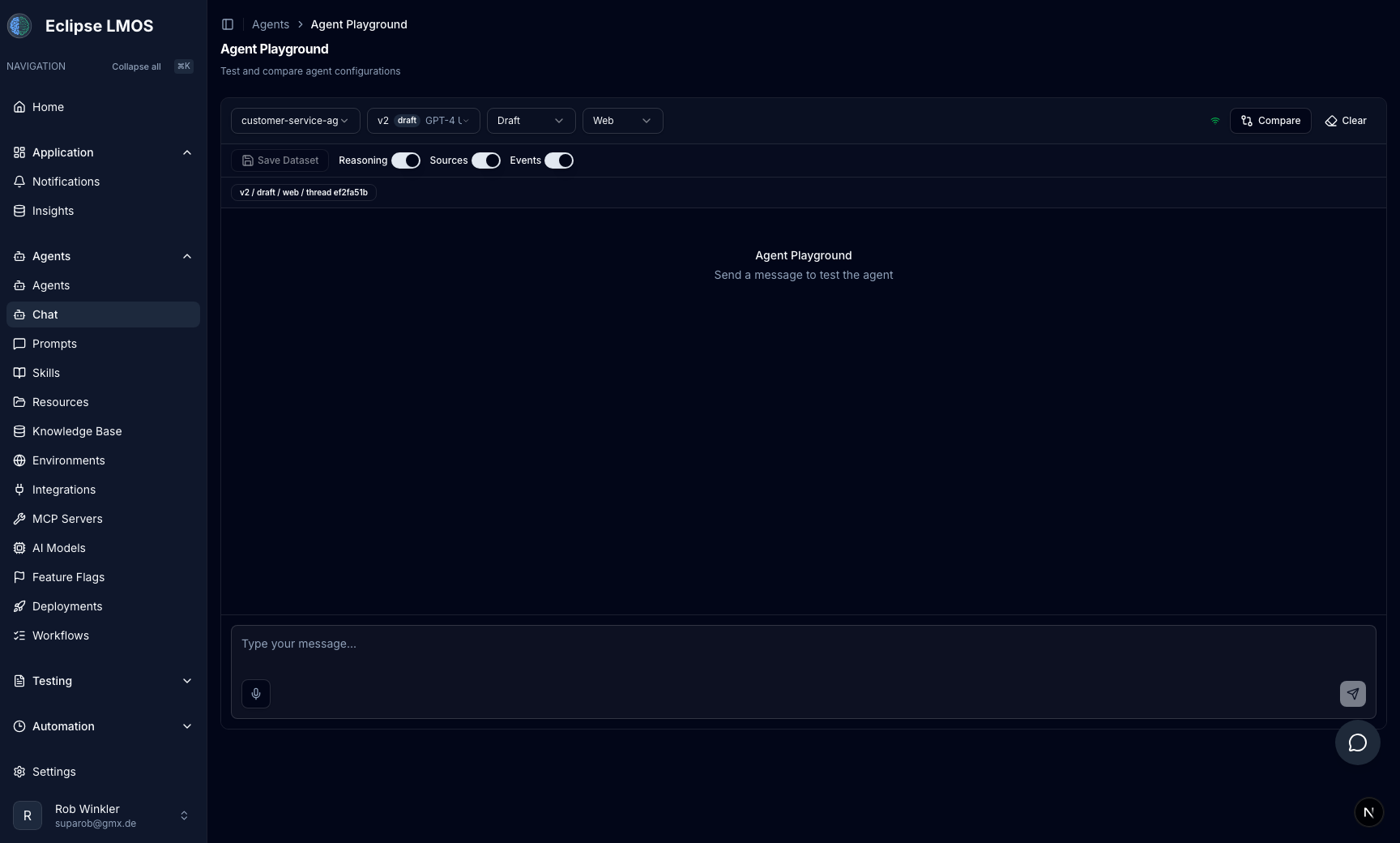
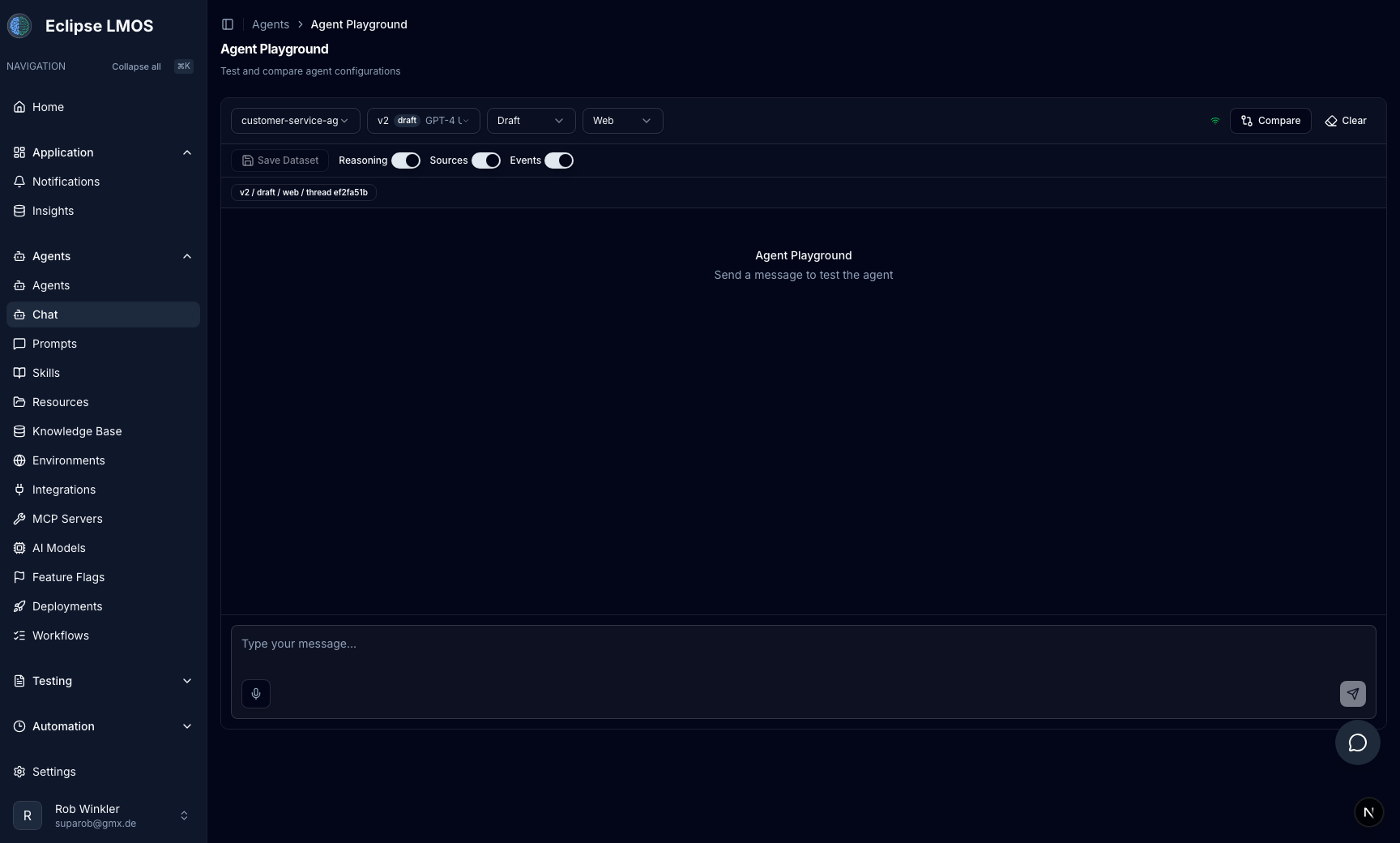
Use the chat workspace to interact with your configured agents and evaluate behavior in real time before deployment.
- Chat with selected agents in real time
- Observe responses under realistic prompts
- Test conversation behavior before releasing updates
- Keep agent evaluation in one central workspace
Control the platform through an in-app chat assistant
Open the built-in assistant popup from anywhere in MASAIC to execute workflows and platform operations without leaving your current view.
- Always-available assistant popup in the management UI
- Issue platform commands directly from chat
- Reduce context switching while operating MASAIC
- Combine manual workflows with assistant-driven actions
From single agent to multi-agent systems
Start with a single specialized agent. As your needs grow, MASAIC lets you evolve to a hierarchical multi-agent topology with intelligent NLU-based routing without re-architecting your system.
Single-Agent System
One agent, many tools
One agent handles incoming queries and uses tools and MCP servers to accomplish different tasks autonomously.
Multi-Agent System
Agent Runtime plus specialized agents
MASAIC Agent Runtime selects the right agent, tools, and skills per request and orchestrates execution through explicit state transitions for more observable, deterministic operations.
Join MASAIC
Internet of Agents
Start building enterprise multi-agent systems today.