MCP servers and tools
Connect Model Context Protocol servers, scope tools per agent, test in the playground, and operate safely.
MCP (Model Context Protocol) is how MASAIC exposes tools to agents: CRM lookups, ticketing, internal HTTP APIs, and other actions—without pasting secrets into prompts.
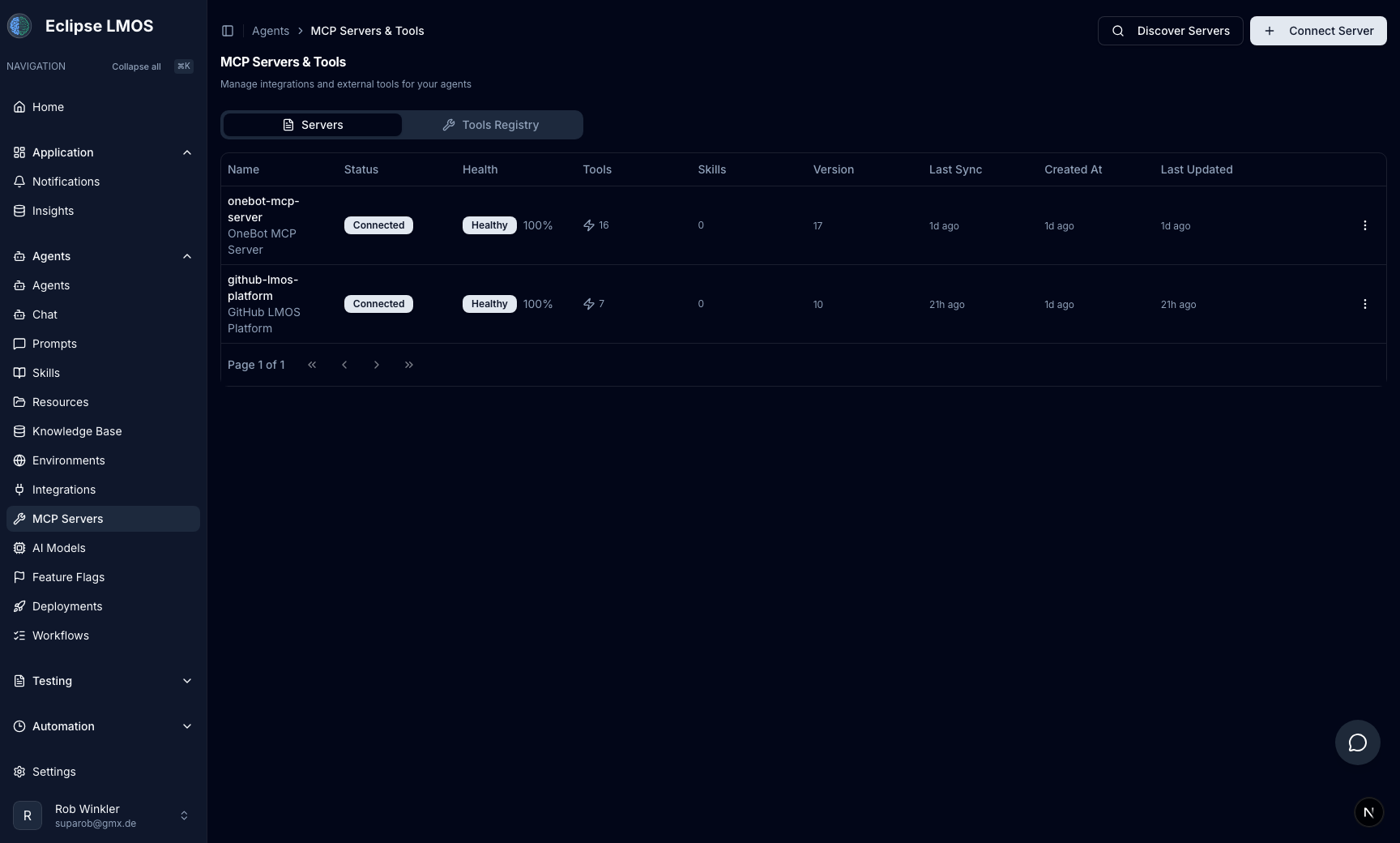
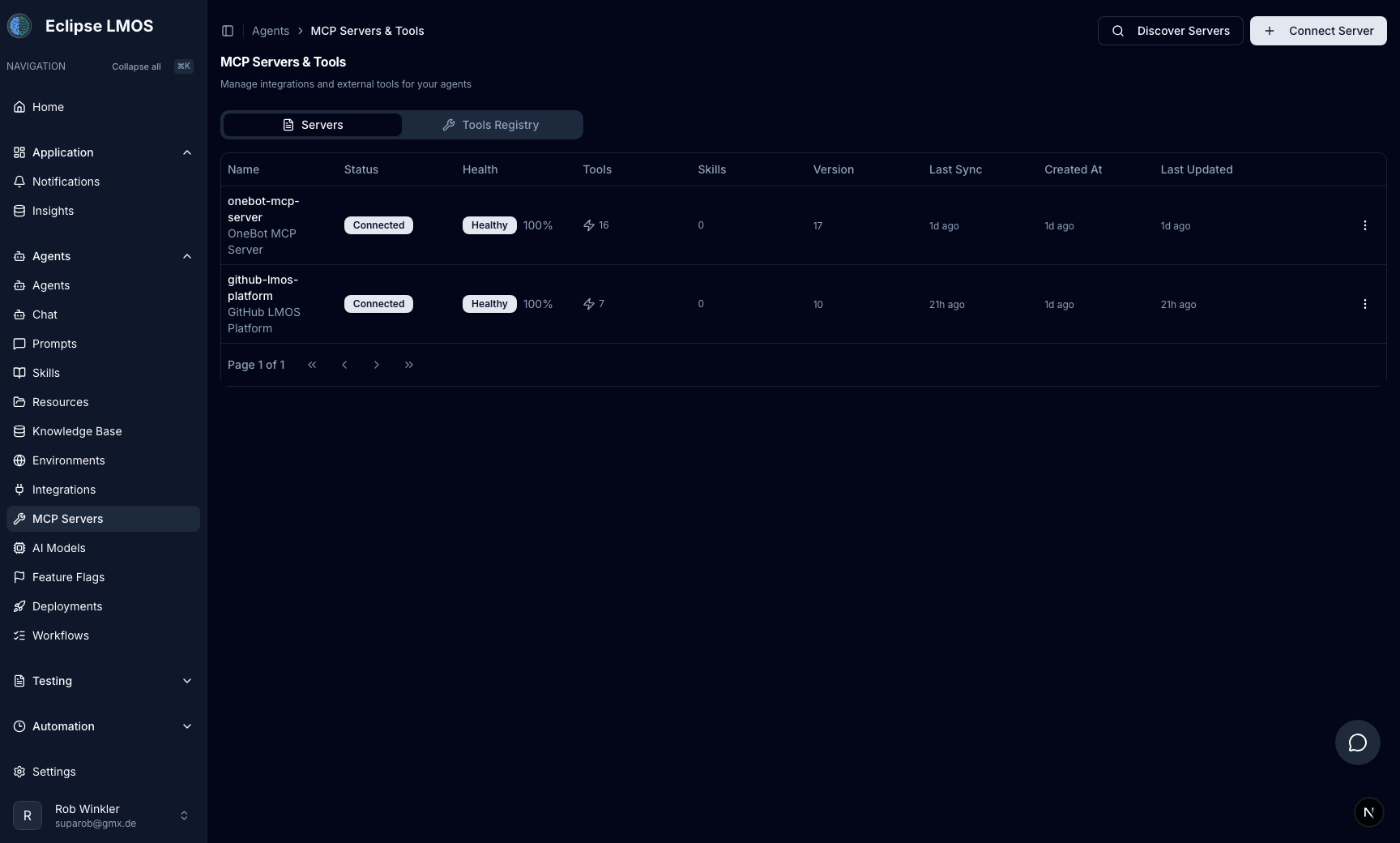
When to use MCP
- The model must fetch live data or perform an operation another system owns.
- You want a reviewable boundary between “what the model says” and “what it is allowed to do.”
- Multiple agents should share the same integration with different scopes.
Rollout checklist
- Approve sources — only servers your security team trusts.
- Scope by agent and environment — production agents should not inherit experimental toolsets.
- Test in the Agent Playground — success paths and failure paths (timeouts, permissions, empty results).
- Observe — treat tool errors like application errors: logs, alerts, clear ownership.
Relationship to prompts and resources
- Prompts — how the model chooses and explains tool use.
- Resources — static or curated facts; not a substitute for live APIs.
- MCP — the actual integration surface.
See also Prompts and resources for the instruction and knowledge side.
Next steps
- Conversation review — verify tool outcomes on real runs.
- Automation tasks — unattended runs that may call the same tools.
- Safe rollouts — governance across environments.