Agents
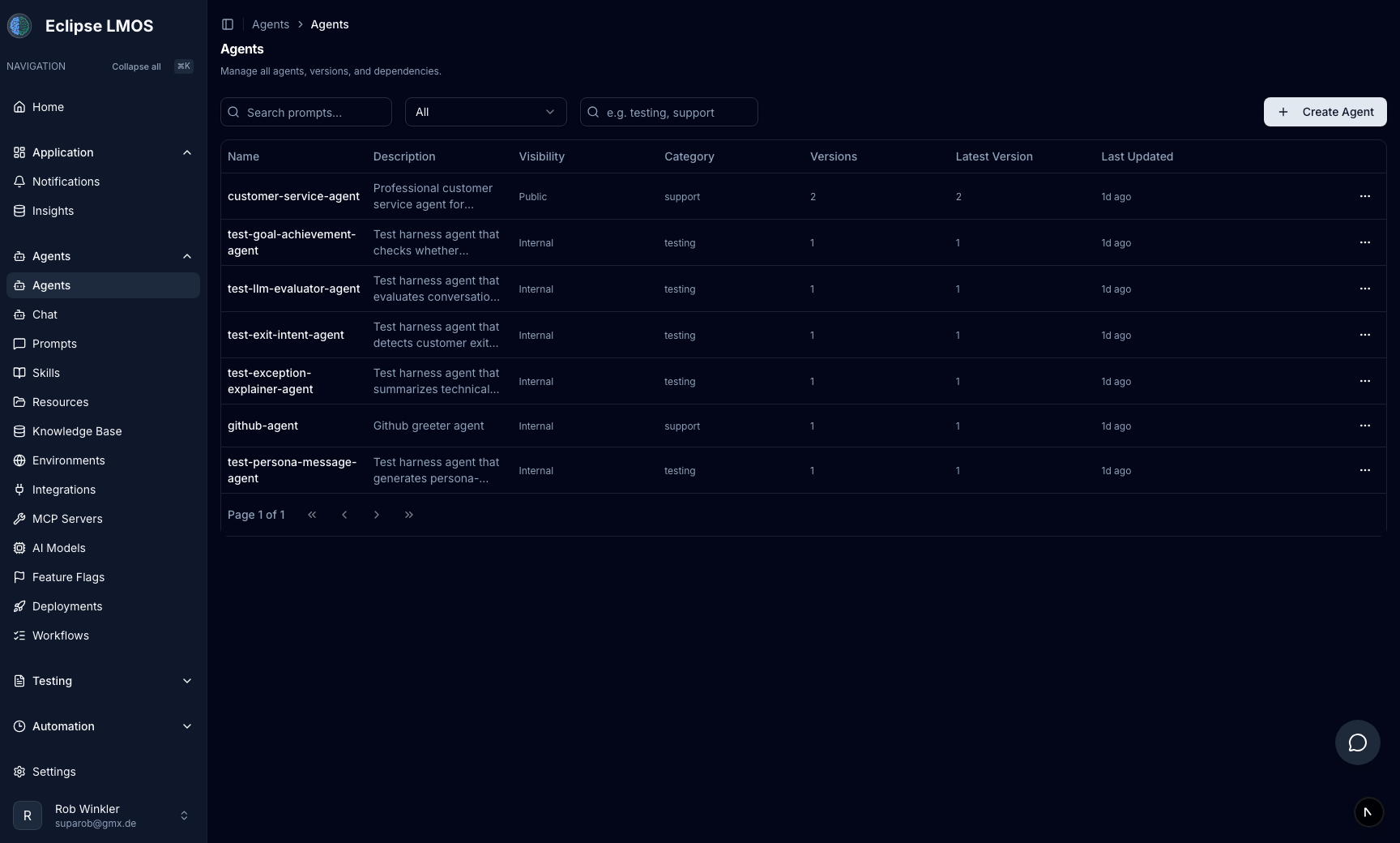
Workspace agents list: create and edit agents, flows, routing, environments, and how they connect to the Agent Playground.
Agents lists every agent in this workspace—your entry points to create, edit, and release configuration: conversation flow, routing, cards, environments, and deployments when your process uses them.
For hands-on testing with streaming messages and tools, use the Agent Playground (Agent Playground in the sidebar).
What you do here
- Find the agent you are tuning or shipping.
- Open the editor for flow and routing details.
- Align versions with environments and your team’s promotion steps.
Typical workflow
- Change configuration in the agent editor (or related prompts/resources/MCP).
- Validate in the Agent Playground on staging.
- Promote when checks pass (testing and release → safe rollouts).
Related reading
- Agent Playground — chat, voice, and pre-ship checks.
- Prompts and resources — instructions and knowledge.
- MCP servers and tools — integrations and tool scope.
- Automation tasks — runs outside chat.
- Ways to control MASAIC — do all of this from a coding agent over MCP or from the
masaicCLI instead.